Waiting rooms that run themselves.
Ticket kiosks, counter and main displays, software and feedback devices – developed and produced by QVISTA and running in 35 countries.
Trusted by the United Nations, hospitals, ministries and banks
Every way in leads to one queue.
Walk-in or booked, paper or paperless – every route produces the same kind of ticket, in the same queue, with the same record behind it.
Self-service kiosk
Touch the screen, pick a service, take the ticket.
KIOSKQR code on the wall
Scan with the phone camera – the ticket opens on the phone.
PAPERLESSWebsite & mobile app
Join the queue before arriving and follow it live.
REMOTEAppointment booking
Booked earlier; checks in at the kiosk on arrival.
BOOKING- ✓Service and priority rules applied
- ✓Placed in the right counter queue
- ✓Shown on every display and phone
Built for halls where the queue never stops.
The same proven platform in ministries, hospitals, banks and service centres – configured for the way each site works.
Smart routing
Service-based routing, priority rules for elderly, disabled or VIP visitors and automatic ticket balancing across counters.
Kiosk and mobile tickets
Tickets from a kiosk, a QR code, the website or the mobile app – appointments check in the same way.
Real-time analytics
Live dashboards and reports on waiting and service times by branch, service and staff member.
Integrations
HIS, ERP and CRM integrations, national ID readers and LDAP / Active Directory sign-in.
Voice announcements
Natural voice calls in Arabic, English and more – direct each visitor to the right floor, room or counter.
Central management
Every branch run from one central server, with role-based users and branch-level and nationwide reporting.
One system, four touchpoints.
The kiosk at the door, the display above the desk, the board in the hall and the software behind them – designed and built by one team.
Take a ticket, the easy way
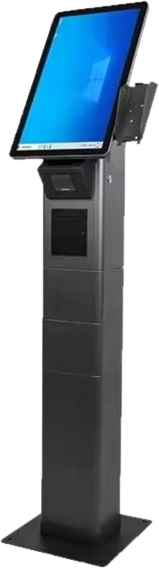
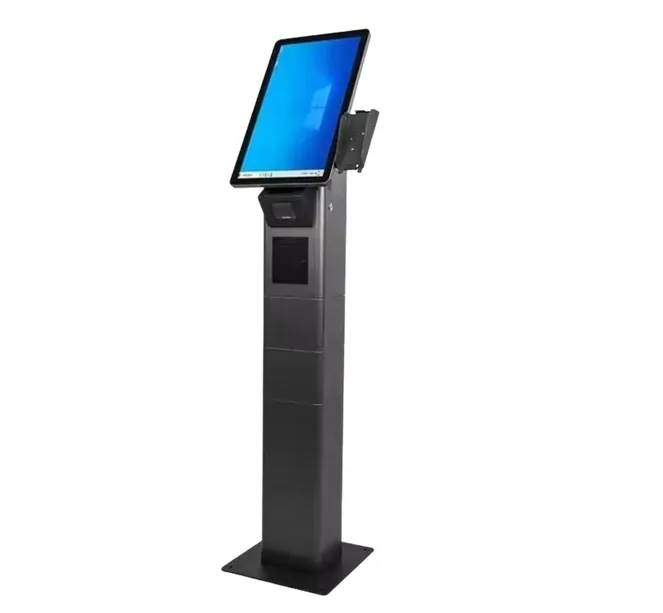
Free-standing, wall and desktop kiosks with touch screens and fast thermal printers – in your colours, with your services and languages.
- Touch screen with large, clear buttons
- Fast thermal ticket printer
- National ID and QR reader options
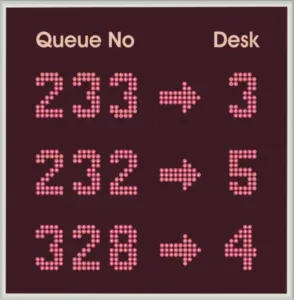
The number above every desk
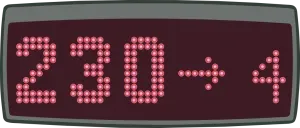
LED dot-matrix, numeric and LCD displays that show the called ticket above every counter.
- Bright LED dot-matrix or LCD
- Readable from across the hall
- Digital counter number – no stickers
One board for the whole hall
Multi-row LED boards and LCD screens that announce every call to the waiting hall – with chime and voice.
- Multi-row LED or full-HD LCD
- Chime and spoken announcement
- Video, news and campaigns on LCD
The engine behind every screen
100% web-based queue engine, central management, terminals, signage, reports and surveys – one platform.
- Runs on physical, virtual or cloud servers
- Unlimited branches from headquarters
- Reports to Excel, PDF or Word
in queue management
in ministries, hospitals and banks
including every GCC state
9001 · 27001 · 14001 · 22301 · CE
Issued, called, served, rated.
One connected journey for visitors – and one set of data for the people who run the service.
ISSUEDTake a ticket
At a kiosk, on the website or by scanning a QR code. Appointments check in the same way.
WAITINGWait with confidence
Position and estimated wait on the ticket, the hall screens and the phone.
CALLEDGet called clearly
Counter display, main display, chime and spoken announcement together.
RATEDShare feedback
A short survey at the counter feeds live dashboards and reports.
Product family
Everything for a full system – from the kiosk at the door to the dashboard at head office.
Ticket kiosks
Free-standing, wall and desktop kiosks with touch screens and fast thermal printers.
10 models →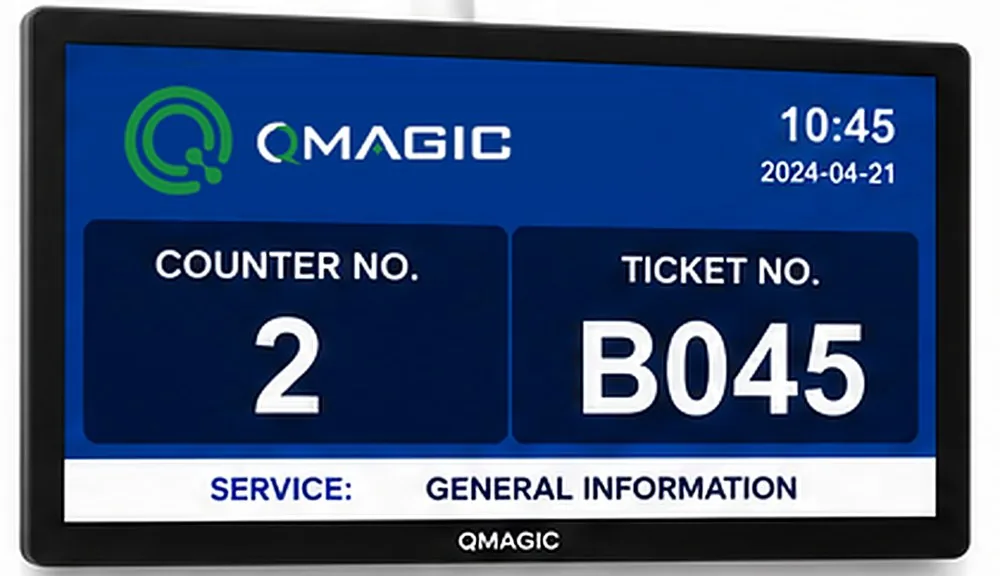
Counter displays
LED and LCD displays above every desk showing who is being served.
11 models →
Main displays
LED boards and sizeable screens that call visitors in the waiting hall.
15 models →Queue software
Browser-based routing, appointments, monitoring and reports.
2 models →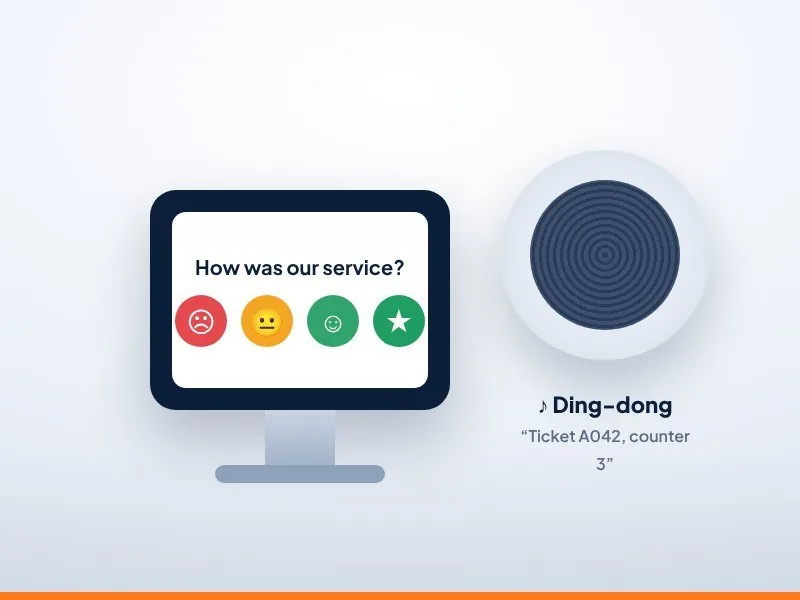
Feedback & audio
Counter survey devices and ceiling speakers.
2 models →Ask while the visit is still fresh.
The survey appears as soon as the transaction ends – on the feedback device, the kiosk or the phone – and every answer is linked to the service, the counter and the staff member.
Pick a score to see what QVISTA does with it.
Solutions by industry
The same proven platform, configured for the way your sector serves individuals.
Healthcare
Patient flow from registration to pharmacy
Learn more →Government
Even-handed, transparent service for every citizen
Learn more →Banking
Shorter lines, better-planned locations
Learn more →Telecom
Fast sales and service in high-traffic stores
Learn more →Retail
Calmer counters, happier shoppers
Learn more →Airlines & Airports
Smooth check-in, ticketing and baggage counters
Learn more →Education
Registration days without the chaos
Learn more →Another sector?
Embassies, pharmacies, courts, utilities – tell us about your visitor flow.
Talk to us →Insights & guides
Guides on queue management and customer experience.
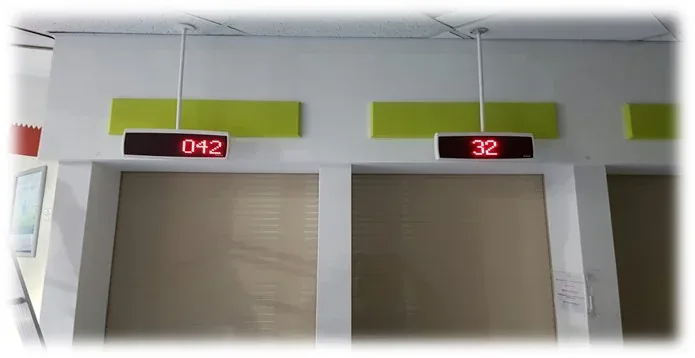
Queue Psychology: 8 Ways to Make Waiting Feel Shorter
Why a 10-minute wait can feel like 30 – and eight hands-on ways to make waiting feel shorter, fairer and calmer in any service hall.
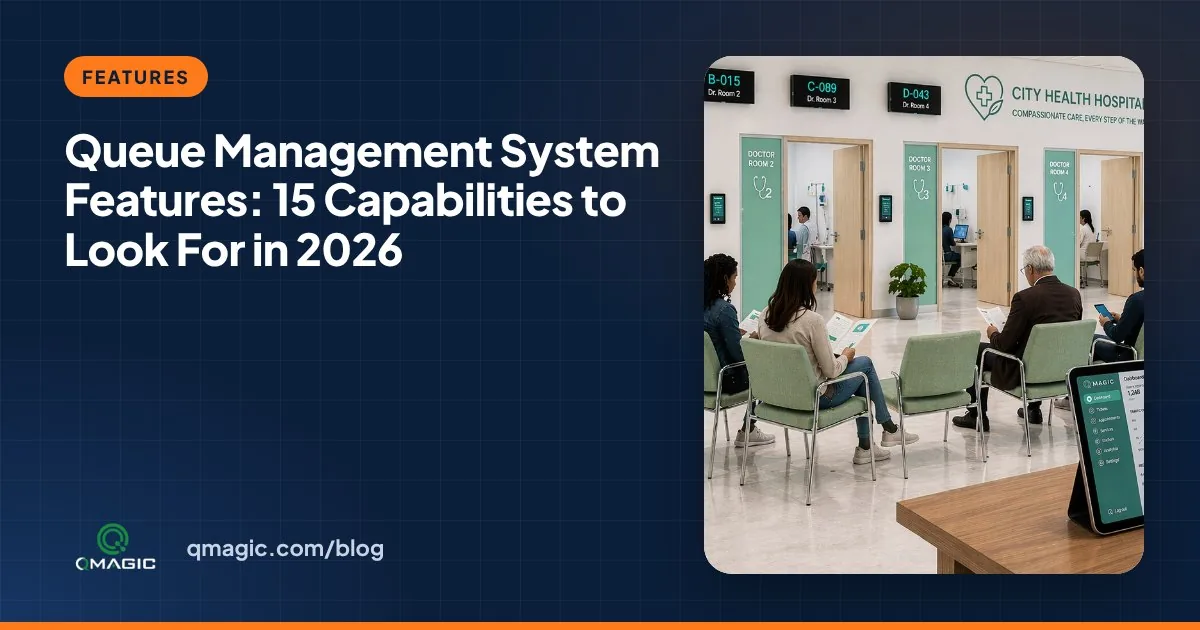
Queue Management System Features: 15 Capabilities to Look For in 2026
The 15 queue management system features that matter most – from ticketing, ID check-in and intelligent routing to virtual queues, dashboards and analytics – and how to judge every one.
12 Benefits of a Queue Management System for Clients, Staff and Managers
The real benefits of a queue management system – shorter waits, calmer waiting rooms, balanced team workload, better data and lower costs – with the numbers to measure each one.
What is a queue management system?
A queue management system lets visitors take a numbered ticket, wait in a seat and be called to the correct counter by screen and voice. It also records every step so managers can track wait times and plan personnel.
Can visitors take a ticket from their phone?
Yes. With QVista mobile ticketing, service users scan a QR code or use your website to join the queue and receive a notification when their turn is near.
Does QVista integrate with hospital systems?
Yes. QVista connects to hospital information systems and other databases through web services for patient lookup, check-in and appointments.
Where can the software run?
On your own server, a virtual server or in the cloud. The platform is 100% browser-based and managed from one place.