
A hands-on guide to queue notifications by SMS: the appropriate moments to send them, message templates that work, timing and the mistakes to avoid.
A short message at the appropriate moment lets service users leave the waiting lounge, use their time and come back just before they’re called. Badly timed or badly written messages do the opposite: individuals come back too late, miss their turn and blame the system. Here is how to get queue notifications right.
The four messages that matter
- Confirmation – sent when the ticket is taken: ticket number, service and estimated wait, plus a link to follow the line live.
- Nearly your turn – the core message, sent when a set number of individuals are ahead or a set number of minutes remain.
- Called – your number has been called, with the counter or room number.
- After service – optional: a thank-you and a one-question survey.
Anything more than this normally becomes noise.
Getting the timing right
The “nearly your turn” message should leave enough time to walk back. A good rule is the time it takes to return from the furthest place visitors are likely to go, plus a margin – frequently 10 to 15 minutes in a shopping centre or hospital campus, less in a small branch. Trigger it by individuals ahead rather than by clock time when service times vary a lot.
Writing messages individuals act on
- Lead with the ticket number – it’s what individuals look for.
- Say exactly what to do: “Please return to the hall now” is clearer than “Your turn is approaching”.
- Name the place: branch, floor or department.
- Keep it to one SMS – long messages are split and arrive in the wrong order.
- Send in the visitor’s language. QVista supports multiple languages, including Arabic, English and Turkish.
Example: “QVISTA Clinic: Ticket B-042 – 3 patients ahead of you. Please return to Outpatients, Floor 2 now.”
Consent and privacy
Only ask for the phone number when it adds value, explain what it will be intended for, and don’t reuse it for marketing without separate consent. Avoid sensitive details in the message itself – a clinic should say “Outpatients”, not the name of the specialist department.
SMS, app or browser?
SMS reaches every phone without installing anything, which makes it the safest default. QVista can also notify by e-mail, browser and mobile app, so visitors who follow the queue on their phone after scanning a QR code may not need an SMS at all. See virtual queue and mobile ticketing for the choices.
Track the effect
Watch the no-show rate for tickets with and without notifications in your queue reports. If individuals still miss their turn, send the “nearly your turn” message earlier; if they come back too early and crowd the room, send it later.
You may also like
Virtual Queue vs Physical Queue: Which Is Right for You?
The difference between virtual and physical queues, their pros and cons, and why most businesses end up combining the two.
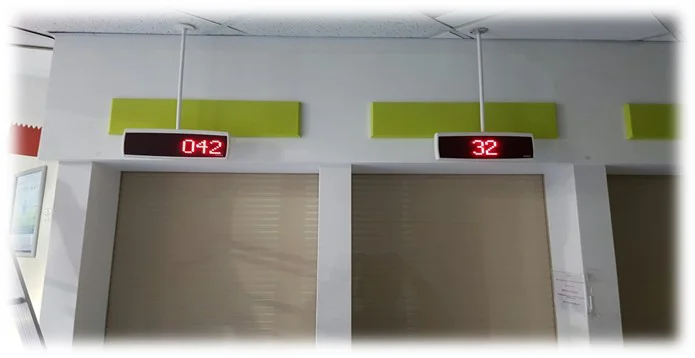
Queue Psychology: 8 Ways to Make Waiting Feel Shorter
Why a 10-minute wait can feel like 30 – and eight hands-on ways to make waiting feel shorter, fairer and calmer in any service hall.
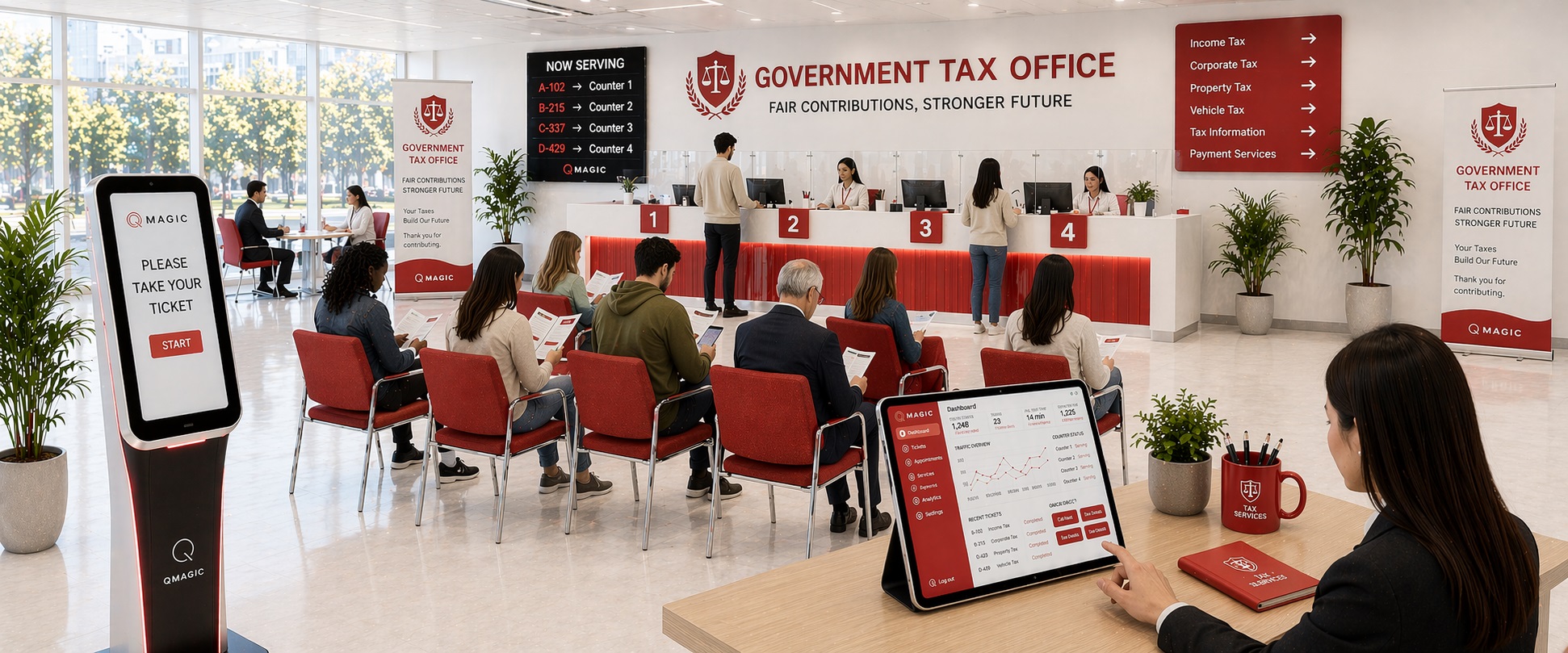
What Waiting Really Costs: How to Calculate Queue Management ROI
A simple framework to put a number on lengthy waits – lost clients, personnel time and complaints – and to estimate the return on a queue management system.