

The difference between virtual and physical queues, their pros and cons, and why most businesses end up combining the two.

In a physical queue, visitors take a ticket on site and wait in the building. In a virtual queue, they join from a phone or website and can wait anywhere until they’re notified. Both have a place – and the best results usually come from combining them.
Physical queues: simple and inclusive
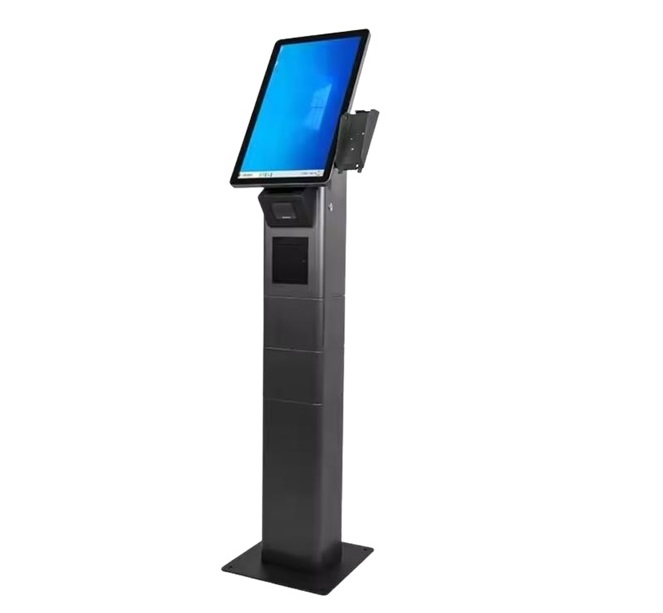
- Everybody can use a kiosk, including visitors without a smartphone.
- No installation needed by the visitor.
- Works well when visits are short and individuals arrive without planning.
The downside is crowding. On crowded days the waiting lounge fills up, and visitors feel the wait more as they have nothing else to do.
Virtual queues: wait anywhere
- Visitors can have a coffee, shop or stay in the car until their turn is near.
- Smaller waiting areas are needed.
- Notifications by SMS, e-mail or browser lower no-shows.
The downside: some service users forget, arrive late or do not have a phone. Virtual queuing needs clear rules for late arrivals.
Why a hybrid works best
With QVista mobile ticketing, tickets from the phone join the same queue as tickets from the kiosk. Visitors pick what suits them, and team serve everybody from one list. A QR code at the entrance lets individuals who arrive on foot join virtually and leave the building until they’re called.
Questions to ask before you pick
- How long do visitors normally wait? Above 15 minutes, virtual queuing adds real value.
- Is your waiting hall frequently full?
- Do most of your visitors carry smartphones?
- Can service users realistically wait elsewhere – is there a café, car park or shop nearby?
Not sure which mix is right? Our team can review your visitor flow and suggest a configuration – get in touch.
You may also like
Sıramatik Nedir? Sıra Yönetim Sistemi Rehberi
Sıramatik ve sıra yönetim sistemi nedir, hangi parçalardan oluşur, nasıl çalışır? Kurum ve işletmeler için pratik rehber.
What Is a Queue Management System? A Hands-on Handbook
What a queue management system is, which parts it has, how it works one step at a time and how to tell whether your institution needs one.

7 Ways to Cut Patient Wait Time in Hospitals
Hands-on steps clinics and hospitals can take to shorten patient wait times, from multi-step patient flow to appointment mixing and live monitoring.