

How reading a national ID, Emirates ID, membership card or barcode at the kiosk speeds up check-in, routes service users automatically and lowers errors at the counter.
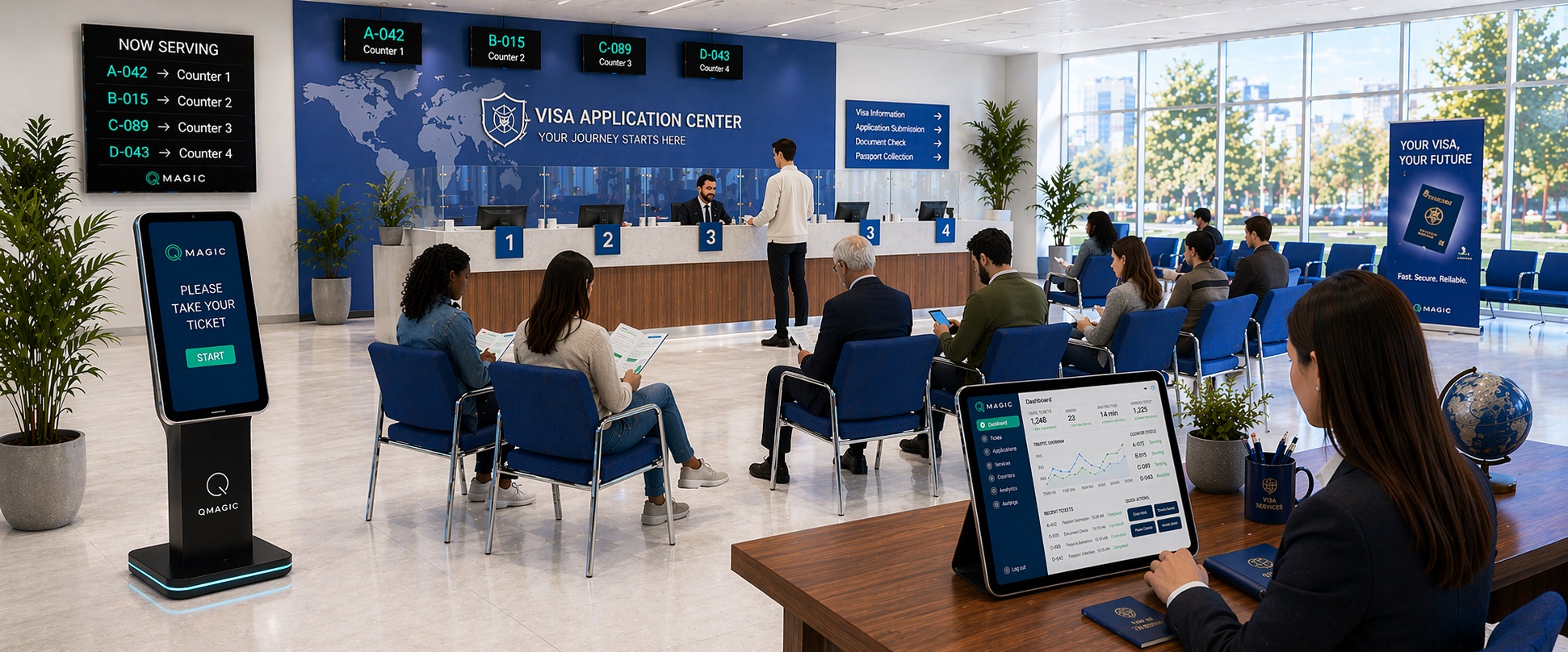
Choosing a service on a touch display works well, but it relies on the visitor knowing what they need – and it tells the counter nothing about who is coming. Reading a card or barcode at the kiosk changes that. The visitor is identified in a second, sent to the appropriate service and the counter already has their record open when they arrive.
What can be read at the kiosk
- National ID numbers like the Emirates ID or Turkish ID number – read with a suitable card reader or entered on screen.
- Bank, loyalty and membership cards by magnetic stripe or chip.
- Barcodes and QR codes on appointment confirmations, patient cards or application forms.
- Mobile number or record number entered on the screen when no card is available.
QVISTA kiosks can be equipped with magnetic card readers, barcode and QR readers, and the software links to your systems through web services.
Benefit 1: Automatic routing and priority
Once the visitor is identified, the system can look them up – in a hospital information system, a CRM or a government database – and decide the service, the department or the priority automatically. A premium bank customer, a patient with an appointment or a returning applicant goes straight to the correct queue without searching through menus.
Benefit 2: Faster counters
When the counter calls the ticket, the visitor’s record can open with it. Team no longer ask for names and numbers, retype them or search for files. Seconds saved per visitor become hours per day across a high-traffic hall.
Benefit 3: Fewer errors and duplicate tickets
Identification stops the same person taking several tickets “just in case” and makes sure the appropriate person is served. In government and visa centres it also creates a clean audit trail of who was served, when and by whom.
Privacy by design
Read only what is needed, and show it only where it’s needed. The ticket and the public displays should present a number, never a name or ID. Personal data should stay within your own systems – QVista can run on your own server, a private cloud or a hosted environment.
Where it pays off most
Card check-in delivers the biggest gains in government service centres, visa and immigration offices, hospitals and bank locations – anywhere visitors already carry an ID or card and the counter needs their record. Visit our kiosk range for reader choices, or ask us about integration with your system.
You may also like
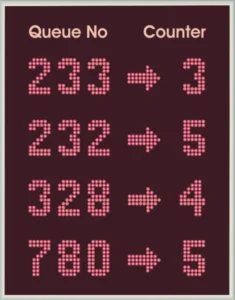
Queue Management for Government Offices: Fairness You Can See
How ministries, municipalities and immigration offices use queue management systems to serve sizeable crowds fairly and plan staffing.
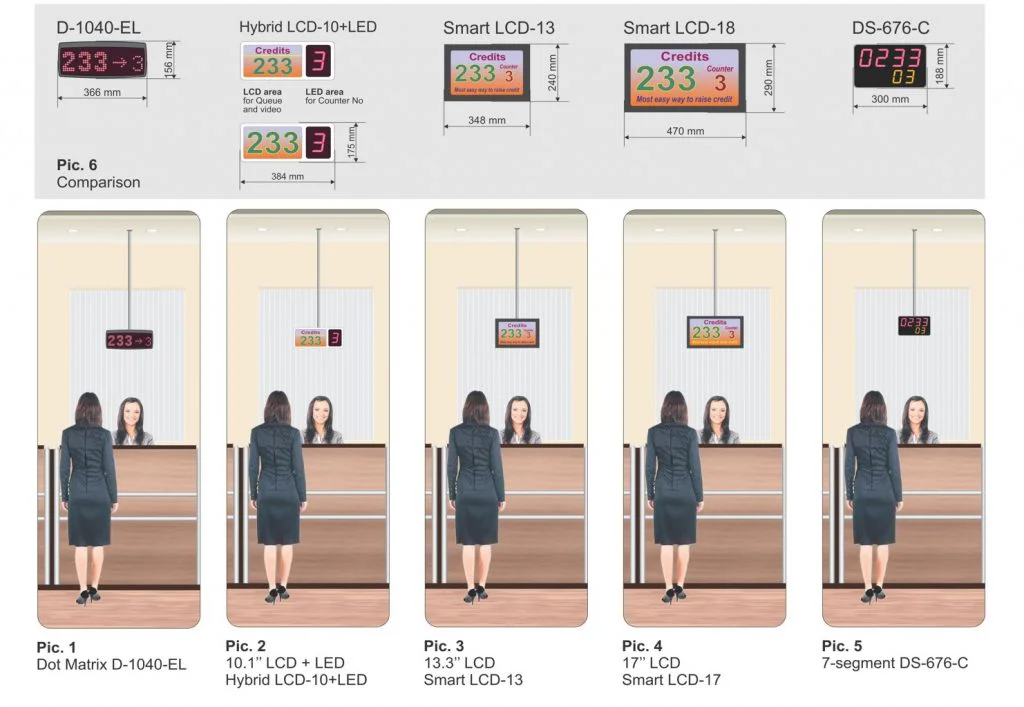
QR Code Queuing: Do Visitors Really Have to Download an App?
Native app, web page or QR code? How mobile queuing works, why most service users should never have to install anything, and when an app makes sense.
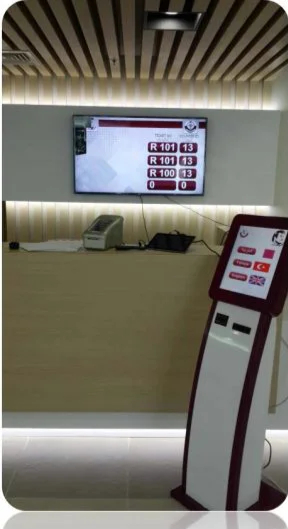
Replacing a Paper or Legacy Queue System: A 6-Step Migration Plan
How to move from paper tickets or an old queue system to a contemporary platform without disrupting service – a step-by-step plan from audit to go-live.