

How to move from paper tickets or an old queue system to a contemporary platform without disrupting service – a step-by-step plan from audit to go-live.
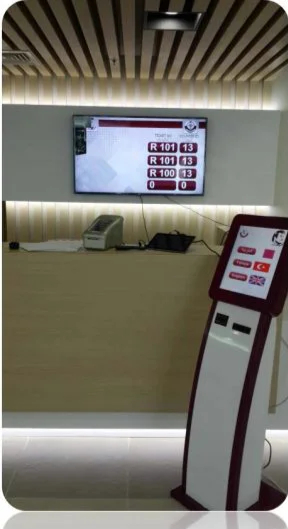
Numerous institutions still run on paper ticket rolls, a shouted name or a queue system installed fifteen years ago that nobody dares to touch. Replacing it feels risky since service can’t stop for a day. With a clear plan, the switch can be made over a weekend and team are comfortable with the new system by the end of the first week.
Step 1: Audit what you have
List every service, counter, display, kiosk and speaker, and note which hardware still works. Some of it may be reusable. If you run an older QVista system, take a look at our QVista to QVista upgrade path and ask us which equipment can stay.
Step 2: Collect real numbers
Before changing anything, count arrivals per hour, typical service times and the busiest days – even by hand for a week. These numbers become your baseline and help size the new system with the wait-time calculator.
Step 3: Design services and the visitor journey
Decide which services appear on the kiosk, which counters serve which services, and where priorities, appointments or mobile tickets fit in. Keep the kiosk menu short – most visitors should find their service in one or two touches.
Step 4: Install and test outside opening hours
Install software, kiosks, displays and sound units after closing time and run a full test: take tickets, call them from every counter, check announcements and reports. Keep the old system ready as a fallback for the first day.
Step 5: Train team in short sessions
Counter personnel need about fifteen minutes: log in, call, recall, transfer and close. Supervisors need a little more for monitoring and reports. Plan a floor walker on the first days to help service users at the kiosk.
Step 6: Go live, next boost
After two weeks, compare wait times, walk-outs and service times with your baseline in QVista reports. Adjust services, staffing and display content, after that roll the same configuration out to the next branch from the central web interface.
We do it with you
QVISTA designs, manufactures, installs and supports its own systems, so one team is responsible from planning to after-sales service. Request a demo or get in touch to plan your migration.
You may also like
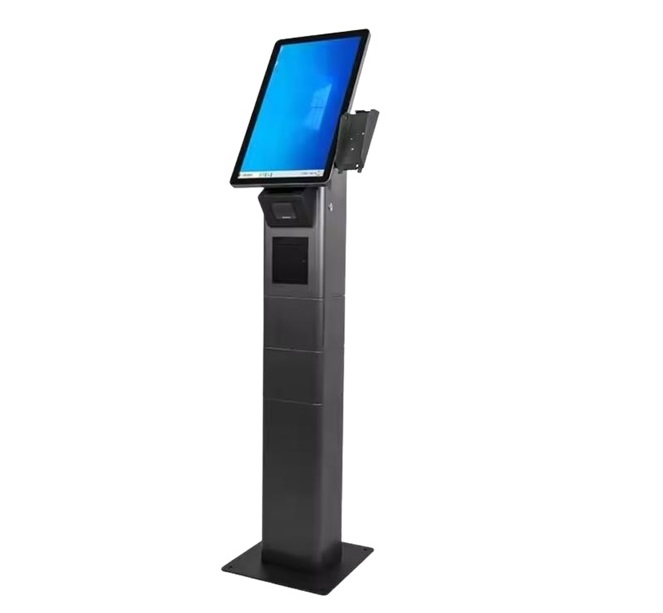
What Is a Queue Management System? A Hands-on Handbook
What a queue management system is, which parts it has, how it works one step at a time and how to tell whether your institution needs one.

How to Select a Queue Ticket Kiosk: 8 Things to Check
Screen size, printer, body material, accessibility, readers and branding – a checklist for choosing the appropriate queue ticket kiosk.
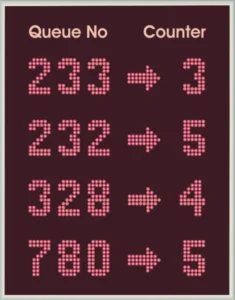
Queue Management for Government Offices: Fairness You Can See
How ministries, municipalities and immigration offices use queue management systems to serve sizeable crowds fairly and plan staffing.