

How electronics stores, telecom shops, service centres and showrooms use queue management to stop walk-outs, serve clients in order and turn waiting time into sales time.
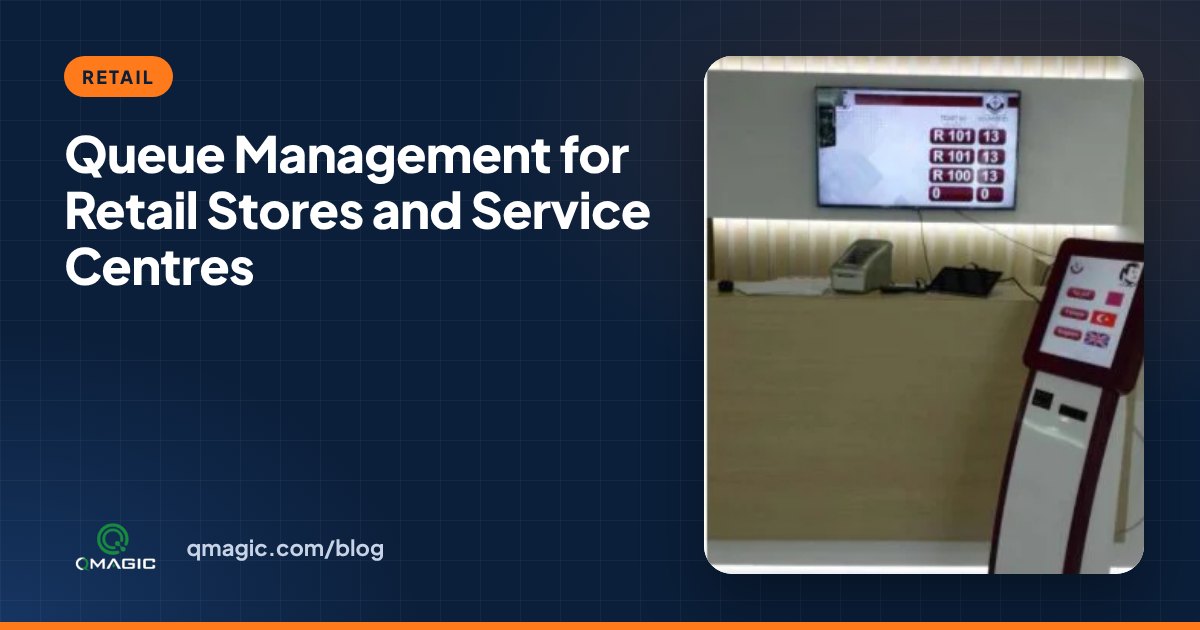
In a store, a long queue costs more than patience – it costs sales. Customers who cannot see when they will be served frequently walk out, and they rarely say why. Electronics stores, telecom shops, service centres, car showrooms and furniture stores all face the same challenge: serving people in a fair order while keeping them interested in the products around them.
Why customers walk out
- They do not know how long the wait will be.
- They are not sure whether they are next or whether someone will jump ahead.
- They have to stand in one spot and cannot look around the store.
A queue system addresses all three.
Route customers to the right person
A touch-screen kiosk or tablet at the entrance asks one straightforward question – new purchase, contract, repair, returns or collection – and issues a ticket for the right team. Specialists spend their time on the right clients, and quick tasks do not wait behind long ones.
Let customers browse while they wait
With a virtual queue, clients take a ticket on their phone by scanning a QR code and receive a message when their turn is near. Instead of standing at the counter, they look at products – and many of them find something else to buy.
Use the screens for sales
Between calls, digital signage on the main display can show provides, new models and service packages. The audience is already looking at the screen, waiting for their number.
Book appointments for complex visits
Contracts, repairs and consultations take longer. Letting clients book an appointment online spreads these visits across the day and frees counters for walk-ins at peak times.
Ask for feedback at the right moment
A one-tap feedback device at the counter, linked to the service and the personnel member, presents which stores and teams create the best experience.
Compare stores with one dashboard
For chains, central analytics show visitors, waiting times, service times and walk-outs for every store side by side. Regional managers see where to add staff and which stores need help. See also our pages for retail and telecom.
Getting started
Most chains start with a pilot in two or three crowded stores, compare the results with similar stores without a system, then roll out. Schedule a demo and we will show you a setup for your store format.
Frequently asked questions
Does a queue system increase sales in retail?
It can. When customers are free to browse while they wait and see gives you on the screens, they are less likely to walk out and more likely to look at other products.
Do clients need to download an app to join the queue?
No. Customers can scan a QR code and follow their place in the browser, or take a printed ticket from the kiosk.
Can a chain see all stores in a single place?
Yes. Central analytics show visitors, waiting times and service times for every store on one dashboard.
You may also like
How Much Does a Queue Management System Cost? 9 Factors That Set the Price
What really drives the price of a queue management system – kiosks, displays, software licences, integrations and support – and how to budget without surprises.
Queue Management System RFP Checklist: 30 Requirements to Include
A ready-to-use checklist of 30 requirements for a queue management system tender or RFP – hardware, software, integrations, security, reporting and support.
Cloud vs On-Premises Queue Management: Which One Fits Your Institution?
Cloud or on-premises? A clear comparison of the two ways to run a queue management system – cost, security, internet dependency, integration and multi-site control.