

Cloud or on-premises? A clear comparison of the two ways to run a queue management system – cost, security, internet dependency, integration and multi-site control.
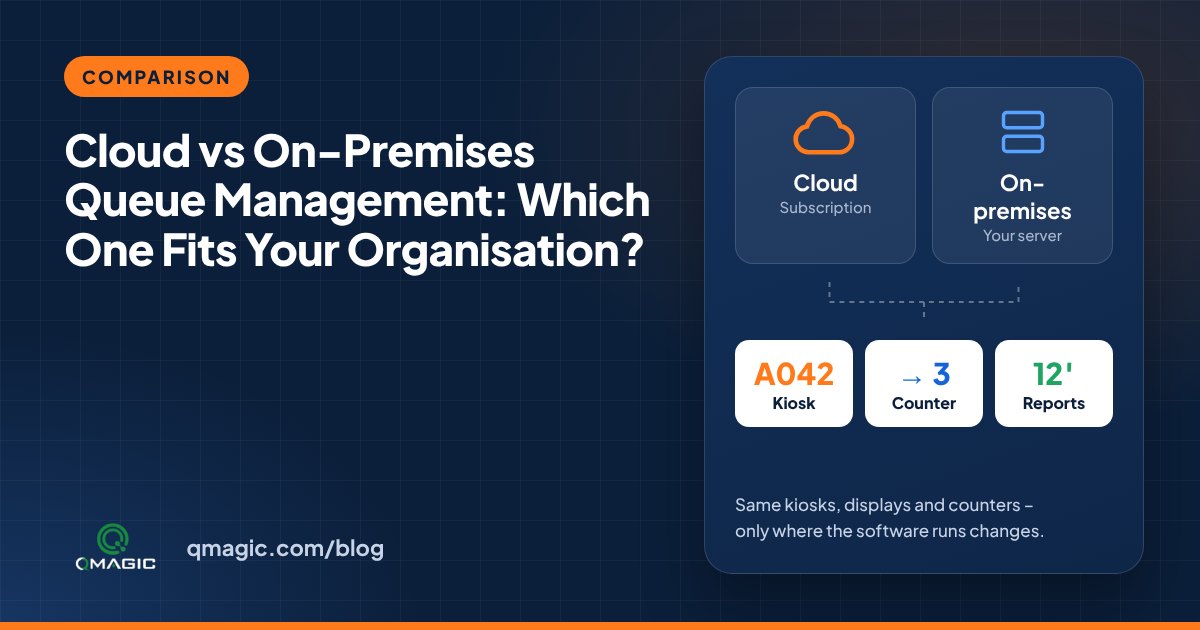
Every queue management system has a “brain”: the software that issues tickets, routes visitors to counters and records every step. That software can run on a server in your own building (on-premises) or in a data centre you connect to over the internet (cloud). Both work well. The right choice depends on your rules, your network and how many sites you run.
How on-premises works
The queue software runs on a physical or virtual server inside your network. Kiosks, displays and staff terminals talk to that server over the local network. Data never leaves the building unless you decide to send it somewhere.
- Strengths: full control of data, works even when the internet connection is down, effortless to integrate with local systems including a hospital information system.
- Watch out for: you need someone to look after the server, backups and updates.
How cloud works
The software runs in a data centre. Each site connects through the internet, and managers log in from anywhere with a browser.
- Strengths: no local server, fast roll-out to many small sites, central reporting across all branches out of the box.
- Watch out for: every site depends on its internet connection, and some regulators restrict where personal data may be stored.
Side-by-side comparison
| Question | On-premises | Cloud |
| Where is the data? | In your building or data centre | In the provider’s data centre |
| Works without internet? | Yes, on the local network | Needs a connection (some offer local fallback) |
| Up-front cost | Higher (server and licence) | Lower |
| Ongoing cost | Support and maintenance | Subscription |
| Multi-site reporting | Needs a central server | Built in |
| Integration with local systems | Typically simpler | Needs secure connectivity |
Who typically chooses on-premises
Hospitals, ministries, defence and many banks prefer on-premises or a private cloud, because their data-protection rules are strict and their systems already run in-house. A single sizeable site with good IT personnel is also a natural fit.
Who generally chooses cloud
Retail chains, telecom stores, clinics with many small branches and service companies frequently prefer cloud: they wish to open a new site fast and see all branches on one dashboard without installing servers everywhere.
The hybrid option
Many businesses combine the two: a local server keeps each site running independently, while summary data is sent to a central system for reporting. This gives the resilience of on-premises with the overview of cloud.
Questions to ask before you decide
- Are we allowed to store visitor data outside our own network?
- How reliable is the internet connection at every site?
- Who will maintain a local server, and is that cost already covered?
- Which systems must the queue software talk to?
QVISTA runs on-premises, in a private cloud or as a hybrid. Schedule a demo and we will recommend the setup that fits your sites.
Frequently asked questions
Can a cloud queue system work if the internet goes down?
Only if it has a local fallback. A pure cloud system cannot issue tickets without a connection, so check how every vendor handles outages.
Is on-premises more secure than cloud?
It gives you more control, but security depends on how each system is run. On-premises suits organisations that must keep data in-house; a well-run cloud can also be very secure.
Can we move from on-premises to cloud later?
Generally yes. Kiosks and displays can stay the same; only the software installation and network settings change.
You may also like
How Much Does a Queue Management System Cost? 9 Factors That Set the Price
What really drives the price of a queue management system – kiosks, displays, software licences, integrations and support – and how to budget without surprises.
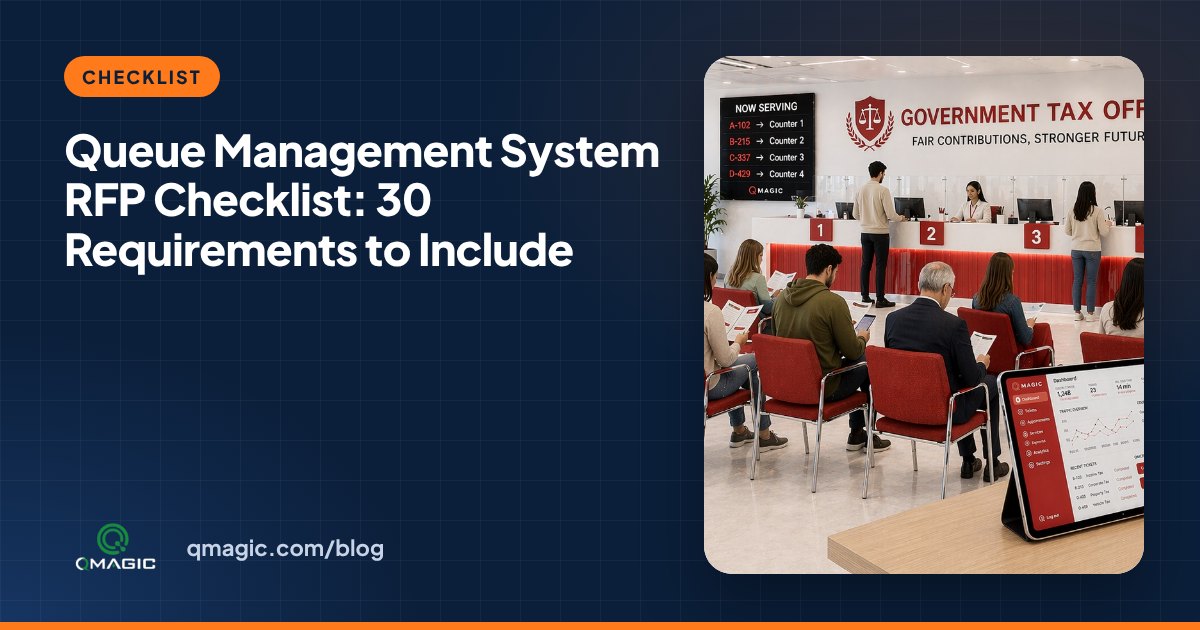
Queue Management System RFP Checklist: 30 Requirements to Include
A ready-to-use checklist of 30 requirements for a queue management system tender or RFP – hardware, software, integrations, security, reporting and support.
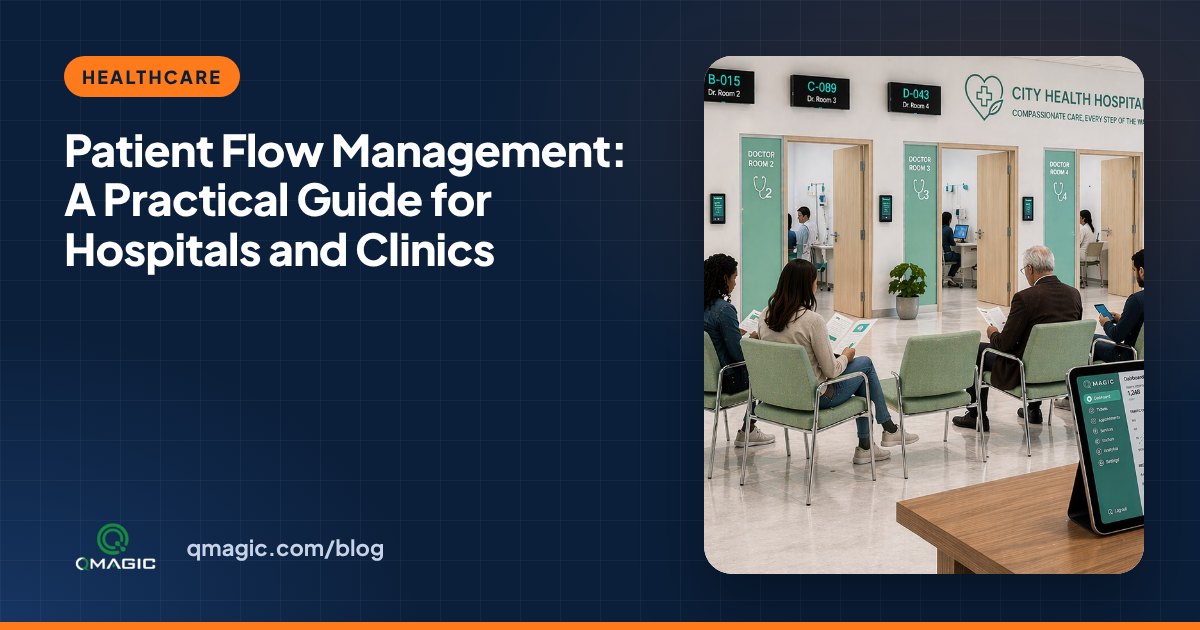
Patient Flow Management: A Hands-on Guide for Hospitals and medical centres
What patient flow management is, where hospitals lose time, and how calling systems, appointments and live dashboards move patients smoothly from registration to discharge.