

A ready-to-use checklist of 30 requirements for a queue management system tender or RFP – hardware, software, integrations, security, reporting and support.
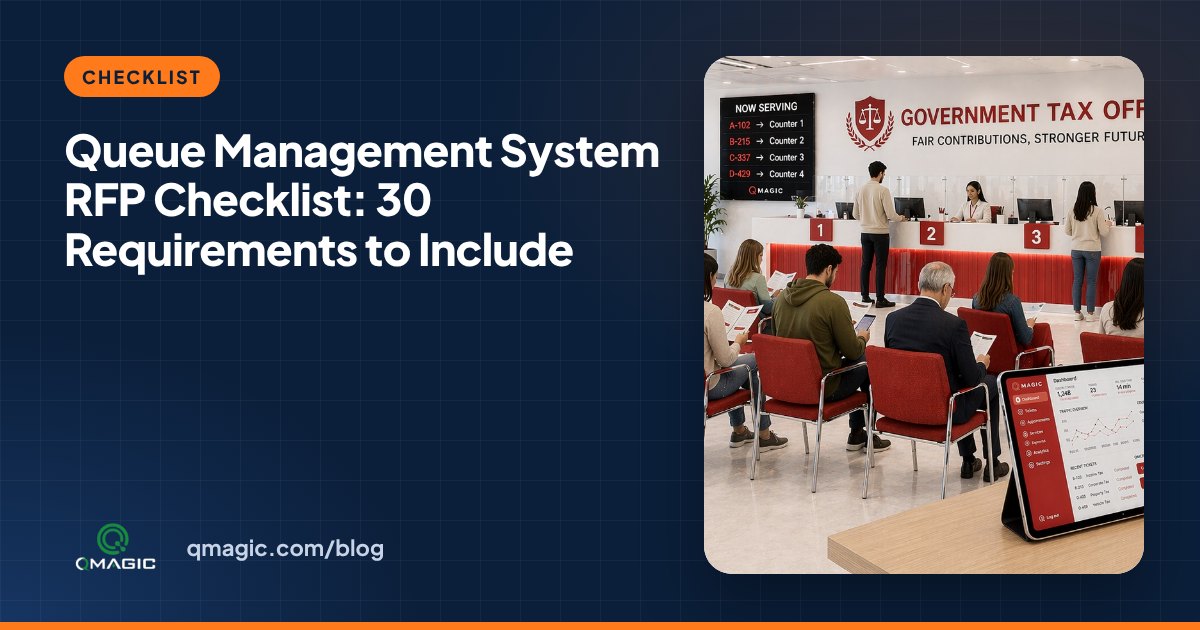
Writing the technical specification is the most key step of any queue management tender. A vague RFP attracts provides that cannot be compared; an over-detailed one can exclude good suppliers by accident. This checklist groups 30 requirements that we see in well-written tenders for banks, hospitals and public institutions. Use the ones that apply and adapt the numbers to your own sites.
Scope and sizing
- Number of sites, waiting areas and counters per site, including peak-time counters.
- List of services, sub-services and languages to appear on the kiosk.
- Expected daily visitors and peak hours per site.
- Growth plan: additional sites or counters expected over the next three to five years.
Ticket kiosk
- Stand-alone, wall-mount or desktop format, and screen size.
- Thermal printer with auto-cutter, paper-low warning and simply replaceable rolls.
- Optional readers: ID card, barcode/QR, appointment code or NFC.
- Accessibility: reachable height for wheelchair users, high-contrast mode, audio guidance where needed.
Displays and audio
- Counter displays: LED or LCD, readable distance and mounting type.
- Main displays: number of last calls shown, media playback and layout control.
- Spoken announcement in the required languages, with a chime before every call.
- Central management of display content from the software.
Queue software
- Service rules: priorities, service time targets, transfers between counters and recall.
- Multi-step flows, e.g. registration → examination → payment in a hospital.
- Combined handling of walk-in visitors and appointments in one queue.
- Virtual queue by QR code or web, with SMS notifications.
- Team screen or calling device with easy controls: call, recall, transfer, close.
- Role-based user management for administrators, supervisors and staff.
Reporting and analytics
- Live dashboard of waiting visitors, waiting times and counter status per site.
- Standard reports for the key KPIs: wait time, service time, service level and no-shows.
- Alerts when waiting time passes a threshold.
- Export to Excel/CSV and an API for business-intelligence tools.
Integration and infrastructure
- Deployment model: on-premises, private cloud or public cloud.
- Integration with existing systems (hospital information system, core banking, CRM, appointment platform) through a documented API.
- Directory/single sign-on support for team logins.
- Behaviour when the network or server is unavailable.
Security and data protection
- Encrypted connections, password policies and audit logs.
- Compliance with local data-protection law (for instance KVKK or GDPR), including data retention settings.
Support and delivery
- Installation, configuration and team training plan.
- Warranty period, response times, remote support and spare-parts availability.
Tips for a fair evaluation
- Ask for a live demonstration using your own services, not a generic demo.
- Score functionality, support and total cost of ownership separately.
- Visit or call a reference installation of similar size.
Need help writing the specification? Our team has supported tenders for ministries, hospitals and banks. Get in touch and we will share a template you can adapt.
Frequently asked questions
What should a queue management RFP include?
Scope and sizing, kiosk and display requirements, software functions, reporting, integrations, security and data protection, and support terms. The checklist above covers 30 common items.
Should an RFP name specific brands?
No. Describe functions and performance instead of brands or model numbers, so that several suppliers can compete on equal terms.
How do we compare provides fairly?
Ask for itemised pricing, a live demo with your own services, and a reference site of similar size. Score functionality, support and five-year total cost separately.
You may also like
How Much Does a Queue Management System Cost? 9 Factors That Set the Price
What really drives the price of a queue management system – kiosks, displays, software licences, integrations and support – and how to budget without surprises.
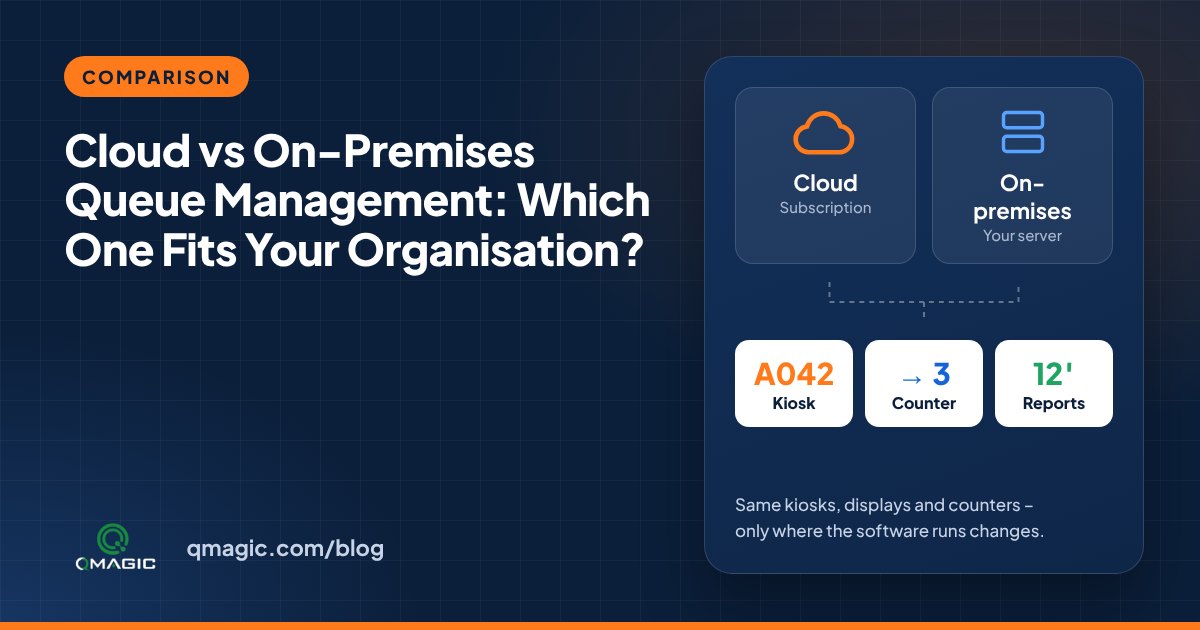
Cloud vs On-Premises Queue Management: Which One Fits Your Institution?
Cloud or on-premises? A clear comparison of the two ways to run a queue management system – cost, security, internet dependency, integration and multi-site control.
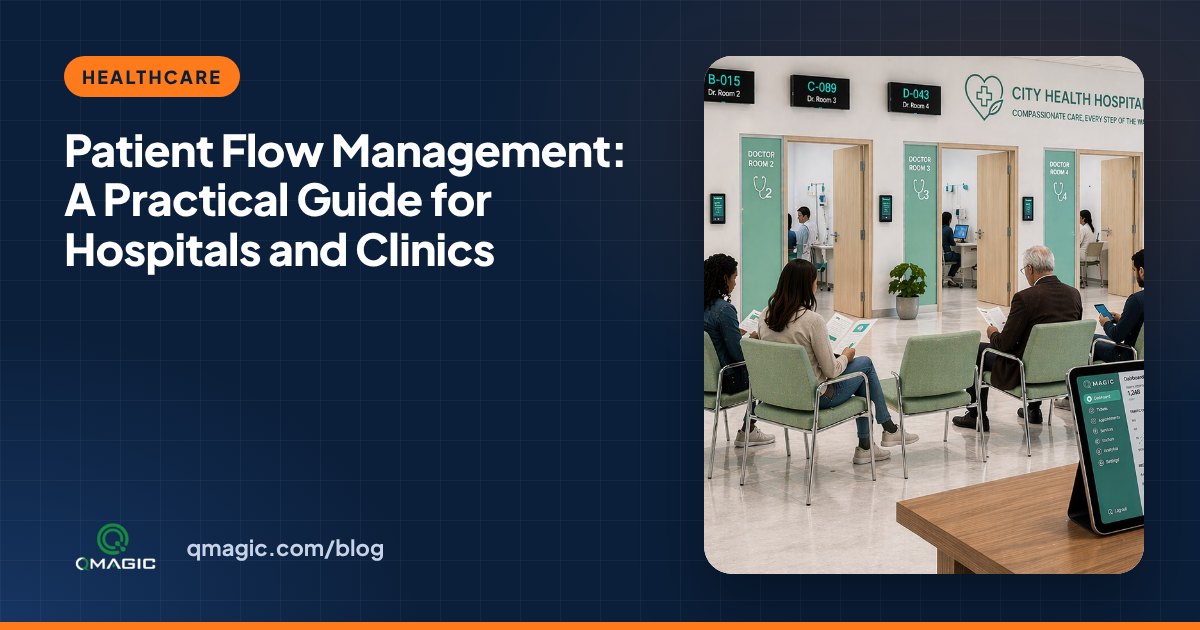
Patient Flow Management: A Hands-on Guide for Hospitals and medical centres
What patient flow management is, where hospitals lose time, and how calling systems, appointments and live dashboards move patients smoothly from registration to discharge.