

What patient flow management is, where hospitals lose time, and how calling systems, appointments and live dashboards move patients smoothly from registration to discharge.
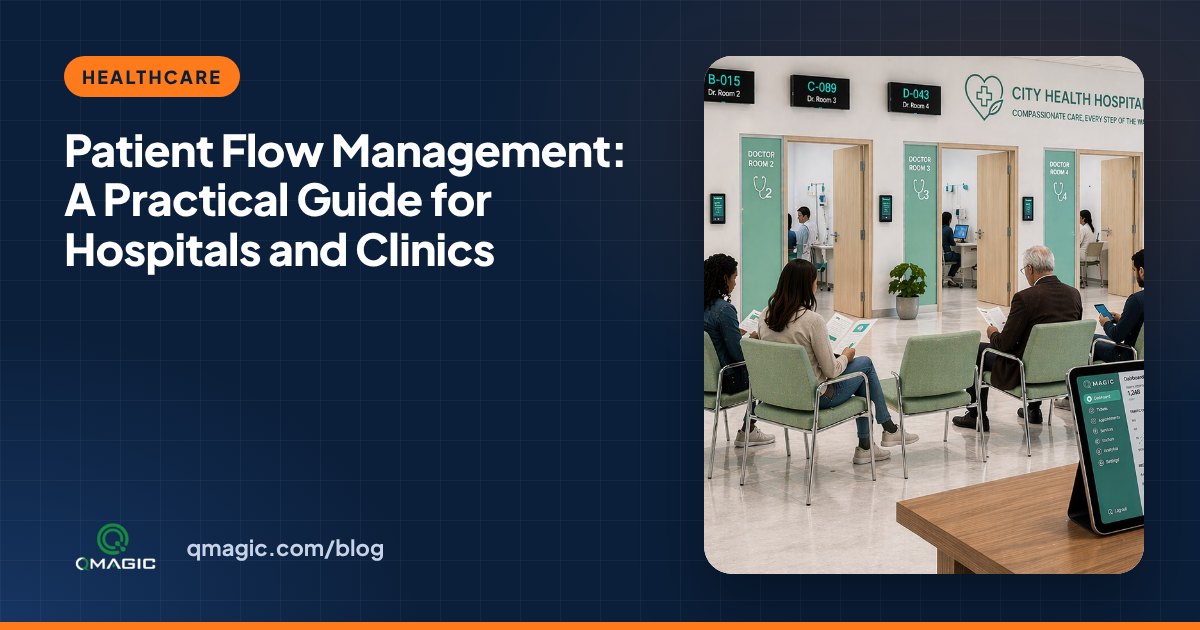
Patient flow is the way patients move through a hospital or clinic: from arrival and registration, through tests and consultations, to payment and discharge. When the flow is smooth, patients wait less, personnel work calmly and rooms are used well. When it is not, corridors fill up even though doctors are crowded all day.
Where patient flow breaks down
- Registration peaks: most patients arrive in the first hours of the day.
- Hand-overs between steps: patients finish one step and do not know where to go next.
- Mixed appointments and walk-ins: without clear rules, both groups feel treated unfairly.
- Invisible bottlenecks: managers only see a crowded room, not which step is causing it.
Step 1: Map the journey
List every step a patient takes in a department, e.g.: registration → triage → examination → laboratory → results → payment. Note who serves each step and where patients wait. This map becomes the configuration of your patient flow system.
Step 2: One ticket for the whole visit
A multi-step queue gives the patient one ticket number that follows them from step to step. When the doctor closes the examination and sends the patient to the laboratory, the number automatically joins the laboratory queue. Nobody has to queue for a new ticket, and nobody gets lost.
Step 3: Combine appointments and walk-ins
Appointment patients should be called close to their booked time; walk-in patients should still see the queue moving. Clear rules – for instance, alternating calls or reserving a share of slots – remove most of the friction. Read more in walk-ins and appointments in one queue.
Step 4: Call patients clearly and privately
Calling by number on waiting-room displays, with a chime and an audio announcement, protects privacy and works for patients who cannot hear or see well. Room displays at every door show which patient is next.
Step 5: Watch the flow live
A live dashboard displays how many patients are waiting at each step and how long they have waited. When the laboratory queue grows, a supervisor can open another sampling point before the corridor fills up.
Step 6: Let patients wait comfortably
With a virtual queue, patients can follow their turn on their phone and receive an SMS when they are close. Waiting rooms become calmer, and patients can sit in the cafeteria instead of standing in the corridor.
Step 7: Measure and boost
Track waiting time per step, consultation time per room, and patients who leave before being seen. Review the numbers weekly with department heads and change one thing at a time. Our handbook 7 ways to cut patient wait time lists practical changes to try.
What a good patient flow system covers
- Ticket kiosks with ID or appointment-code reading
- Multi-step queues with automatic transfer between departments
- Waiting-room and room-door displays with voice calling
- Integration with the hospital information system
- Live dashboards and reports per department
QVISTA patient flow systems run in clinics and hospitals in several countries. Request a demo to see one configured for your departments.
Frequently asked questions
What is patient flow management?
It is the planning and control of how patients move through the steps of a hospital or clinic visit, with the aim of reducing waiting, avoiding bottlenecks and using staff and rooms well.
How does a patient calling system protect privacy?
Patients are called by ticket number instead of by name, on displays and with spoken announcement, so personal details are not shared in the waiting lounge.
Can a patient flow system connect to our hospital information system?
Yes. Appointments, patient registration and doctor assignments can be exchanged through an integration, so team do not enter data twice.
You may also like
How Much Does a Queue Management System Cost? 9 Factors That Set the Price
What really drives the price of a queue management system – kiosks, displays, software licences, integrations and support – and how to budget without surprises.
Queue Management System RFP Checklist: 30 Requirements to Include
A ready-to-use checklist of 30 requirements for a queue management system tender or RFP – hardware, software, integrations, security, reporting and support.
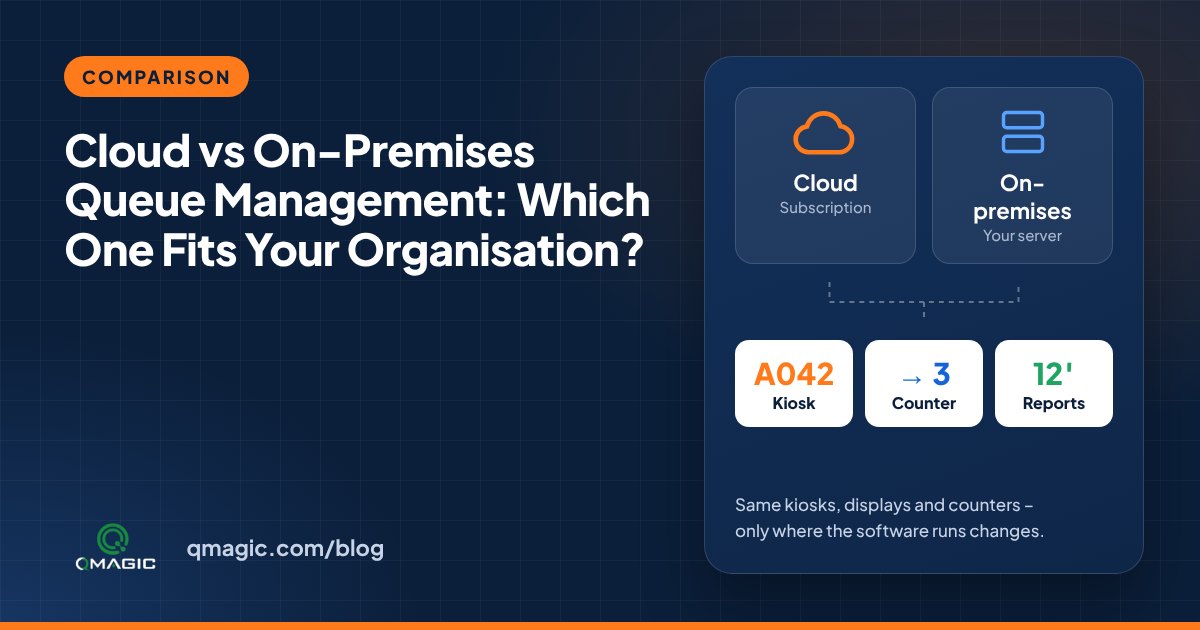
Cloud vs On-Premises Queue Management: Which One Fits Your Institution?
Cloud or on-premises? A clear comparison of the two ways to run a queue management system – cost, security, internet dependency, integration and multi-site control.