

Ten hands-on questions to ask any queue management system provider – manufacturing, software ownership, integrations, security, support and references – before you sign.
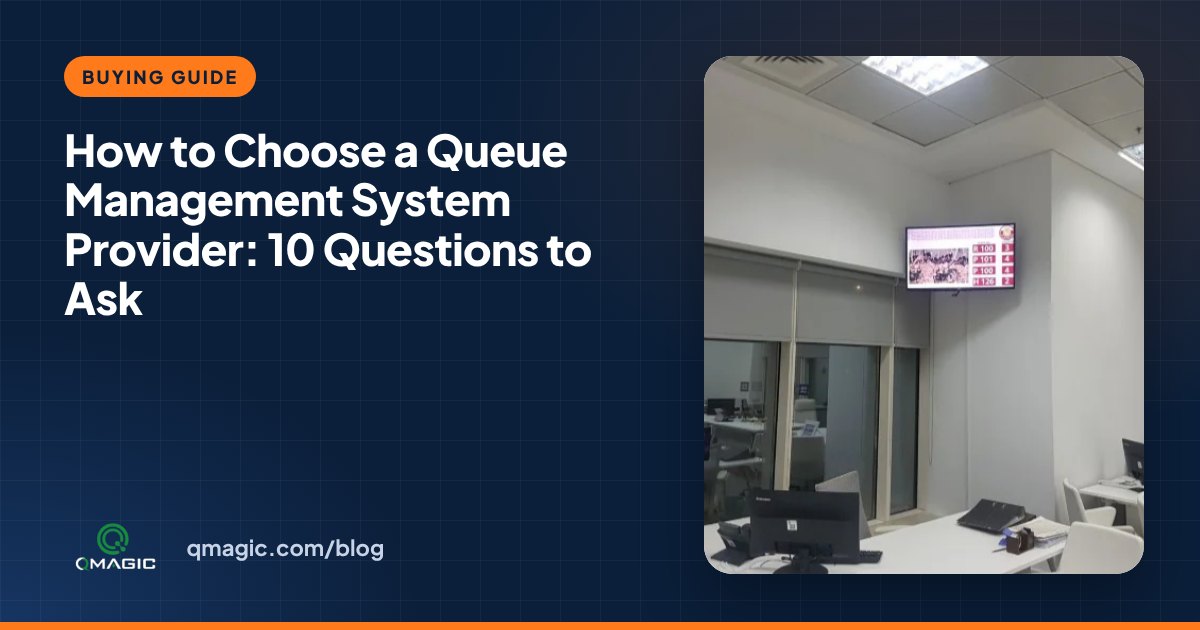
Queue management systems look similar in brochures: a kiosk, some displays, a dashboard. The differences appear after installation – when you need a new service configured, an integration with your hospital or banking system, a spare printer mechanism or a fix on a high-traffic Monday morning. These ten questions help you compare queue management system providers on what really matters over the next five to ten years.
1. Do you manufacture the hardware and develop the software yourselves?
A provider that designs its own kiosks, displays and software controls the whole system: one point of contact, compatible spare parts and faster fixes. Resellers of third-party products may depend on a distant manufacturer for every change. Ask where the software is developed and where the kiosks are built.
2. Can the system grow with us?
Check that you can add counters, services, sites, languages and modules like appointments, virtual queue and feedback without replacing what you bought. Ask for an example of a customer who started small and expanded.
3. Cloud, on-premises or both?
Ministries, hospitals and banks frequently need the system inside their own network; smaller organisations may prefer a subscription. A flexible provider provides both and can explain the trade-offs – see cloud vs on-premises queue management.
4. How do you integrate with our existing systems?
Ask for documented APIs and references for integrations with hospital information systems, core banking, CRM, appointment portals and identity systems. Request a clear description of the data exchanged and who is responsible for each side.
5. How is visitor data protected?
Queue systems handle names, ID numbers and phone numbers. Ask about encryption, user roles, audit logs, data retention and compliance with local data-protection laws. Check which third-party components the software depends on and how the provider responds to new vulnerabilities.
6. Who installs, trains and supports us locally?
A front-line system needs fast local support. Ask about installation teams, response times, remote support, local partners and the training plan for team and administrators. A good provider also supports design the services, priorities and screens rather than just mounting hardware.
7. What does the warranty cover, and for how long are parts available?
Printer mechanisms, touch screens and displays wear over time. Compare warranty periods, replacement times and how long spare parts and software updates are guaranteed.
8. Can you show the reports we will use?
Ask for a live demonstration of the dashboards and reports: waiting time by service and hour, service time per counter, no-shows, satisfaction. If a provider cannot show the reports, you will not get the benefits that justify the investment. The KPIs handbook lists what to look for.
9. Do you have references in our sector and region?
Visit or call a reference site with similar size and services. QVISTA references include the UAE Ministry of Community Development customer service centre and Qatar Armed Forces Hospital, alongside banks, hospitals and public institutions in more than 35 countries.
10. What is the total cost over five years?
Ask for hardware, software licences or subscriptions, installation, integrations, support and consumables as separate lines, then compare the five-year total – not just the first invoice. Our article on queue management system cost explains each item.
A quick scoring method
Give every provider a score from 1 to 5 for each question, weight the questions that matter most to you (security and integrations for a ministry, price and ease of use for a small clinic), and invite the top two to a demonstration with your own services and data. If you are replacing an old system, read replacing a legacy queue system first.
QVISTA is a manufacturer and software developer, not a reseller: our kiosks, displays and queue software are designed and built in-house and delivered with local partners. Schedule a demo and put us to the test with these ten questions.
Frequently asked questions
How do I choose the best queue management system?
Compare providers on whether they build their own hardware and software, scalability, cloud and on-premises options, integrations, data security, local support, warranty, sector references and five-year total cost, then test the top candidates with your own services.
Should I buy from a manufacturer or a reseller?
A manufacturer that develops both hardware and software typically provides faster changes, compatible spare parts and one point of responsibility. A local partner of that manufacturer can deliver on-site installation and support.
What should a queue management demo include?
Your own services and priorities, the kiosk and mobile ticket flow, personnel calling, the manager dashboard, and the reports you will use every week.
You may also like
Queue Management System Features: 15 Capabilities to Look For in 2026
The 15 queue management system features that matter most – from ticketing, ID check-in and intelligent routing to virtual queues, dashboards and analytics – and how to judge every one.
12 Benefits of a Queue Management System for Clients, Staff and Managers
The real benefits of a queue management system – shorter waits, calmer waiting rooms, balanced team workload, better data and lower costs – with the numbers to measure each one.
Types of Queue Management Systems: Linear, Ticket-Based, Virtual, Appointment and Hybrid
The main types of queue management systems compared – linear and structured queues, ticket kiosks, virtual and mobile queues, appointment systems and hybrid solutions – with where each one fits best.