
The main types of queue management systems compared – linear and structured queues, ticket kiosks, virtual and mobile queues, appointment systems and hybrid solutions – with where each one fits best.
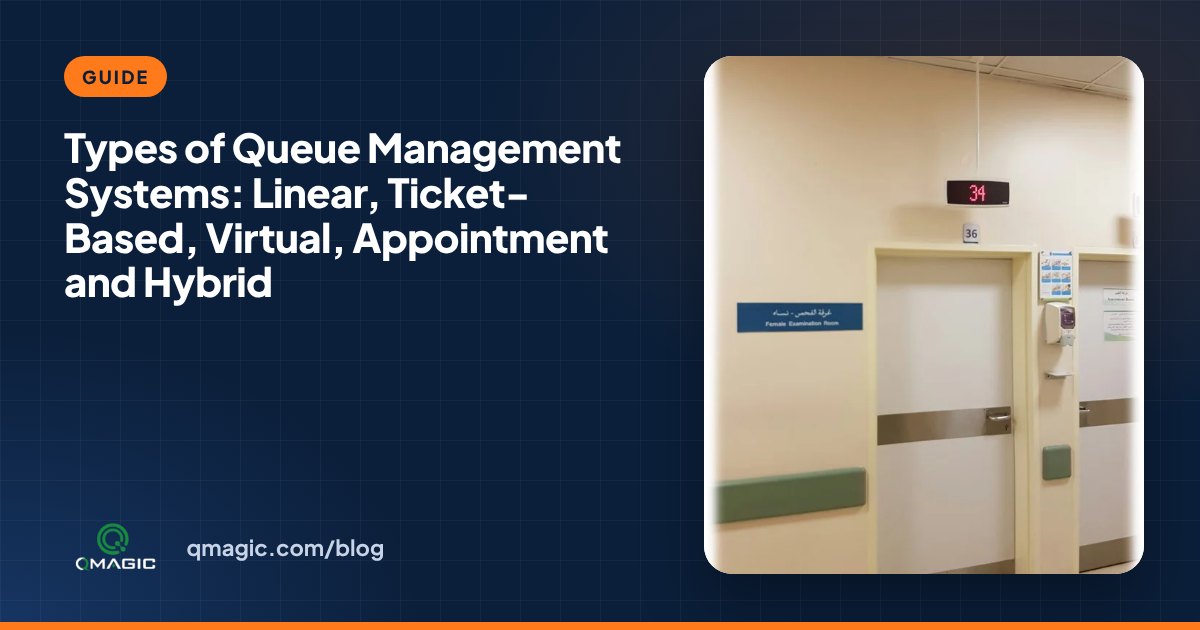
“Queue management system” covers everything from a rope and stanchions to a multi-site platform with kiosks, mobile tickets and analytics. Choosing the right type starts with understanding the options. This guide explains the five main types of queue management systems, what every is good at, and where every one falls short.
1. Linear (structured) queues
The simplest type: visitors stand in one line, guided by barriers, floor markings and signs, and are served in order. A single line feeding several counters (“serpentine queue”) is fairer and faster than a separate line per counter.
- Best for: short, straightforward transactions like cash desks, ticket windows and security checks.
- Limits: visitors must stand, there is no data, and it does not work when services or priorities differ.
2. Ticket-based queue systems
Visitors take a numbered ticket from a kiosk or desktop printer, sit down and are called to a counter by displays and audio. This is the classic “take a number” system, now generally with a touchscreen that lets service users choose a service.
- Best for: banks, hospitals, government offices, telecom and utility service centres – anywhere with several services and counters.
- Strengths: works for every visitor, including those without a smartphone; supports routing, priorities and detailed reports.
- Limits: visitors still wait on site, so the waiting area must be large enough for peaks.
3. Virtual and mobile queues
Service users join the queue remotely or on arrival by scanning a QR code, using a web link or an app, then wait anywhere and receive a notification when it is their turn. There is no physical line at all. Our article virtual queue vs physical queue compares the two in detail, and QR code queues explains why most service users should not need an app.
- Best for: restaurants, retail service desks, clinics, events and any site with limited waiting space.
- Limits: depends on visitors having a phone and a signal; on its own it rarely suits public services that must serve everyone.
4. Appointment-based systems
Service users book a time slot online or by phone and are served at that time. Online appointments flatten peaks and let staff prepare in advance.
- Best for: visa centres, consulates, specialist clinics, vehicle inspection and complex government services.
- Limits: no-shows and late arrivals waste capacity, and walk-ins still need to be handled somehow.
5. Hybrid queue management systems
Most contemporary installed systems combine the types above in one shared platform: walk-ins take a ticket at the kiosk, booked visitors check in with a QR code, others join a virtual queue from their phone – and all of them are called in one fair order on the same displays. A hybrid system also uses one set of reports for every channel. See walk-ins and appointments in one queue for how the order is calculated.
- Best for: medium and large businesses, multi-site networks and any service with a mix of visitor types.
- Strengths: serves every visitor in the way they prefer, while keeping one queue, one set of rules and one dashboard.
Other ways to classify queue systems
- Single-stage vs multi-stage: one service per visit, or several steps like registration, examination and pharmacy in patient flow.
- Single-site vs multi-site: one branch, or many branches managed from a central dashboard.
- On-premises vs cloud: where the software runs – compared in cloud vs on-premises queue management.
Which type is right for you?
| Your situation | Recommended type |
| One easy service, short transactions | Linear queue, optionally with a counter display |
| Several services and counters, all visitor groups | Ticket-based system with kiosks and displays |
| Small waiting area, mostly smartphone users | Virtual / QR queue |
| Long or complex services, documents to prepare | Appointments plus walk-in tickets |
| Big institution or multi-branch network | Hybrid system with central analytics |
QVISTA supports every type in one queue management platform, so you can start with tickets and add appointments or virtual queues later without changing systems. Talk to us about the right mix for your sites.
Frequently asked questions
What are the main types of queue management systems?
Linear (structured) queues, ticket-based systems with kiosks and displays, virtual or mobile queues, appointment-based systems, and hybrid systems that combine tickets, appointments and virtual queues in one shared platform.
What is the difference between a virtual queue and a ticket queue?
In a ticket queue the visitor takes a number on site and waits in the waiting area. In a virtual queue the visitor joins from a phone and can wait anywhere until notified.
Which queue system type is best for hospitals and government offices?
Generally a hybrid system: kiosks and printed tickets so everyone can be served, combined with appointments and optional virtual queuing to lower crowding.
You may also like
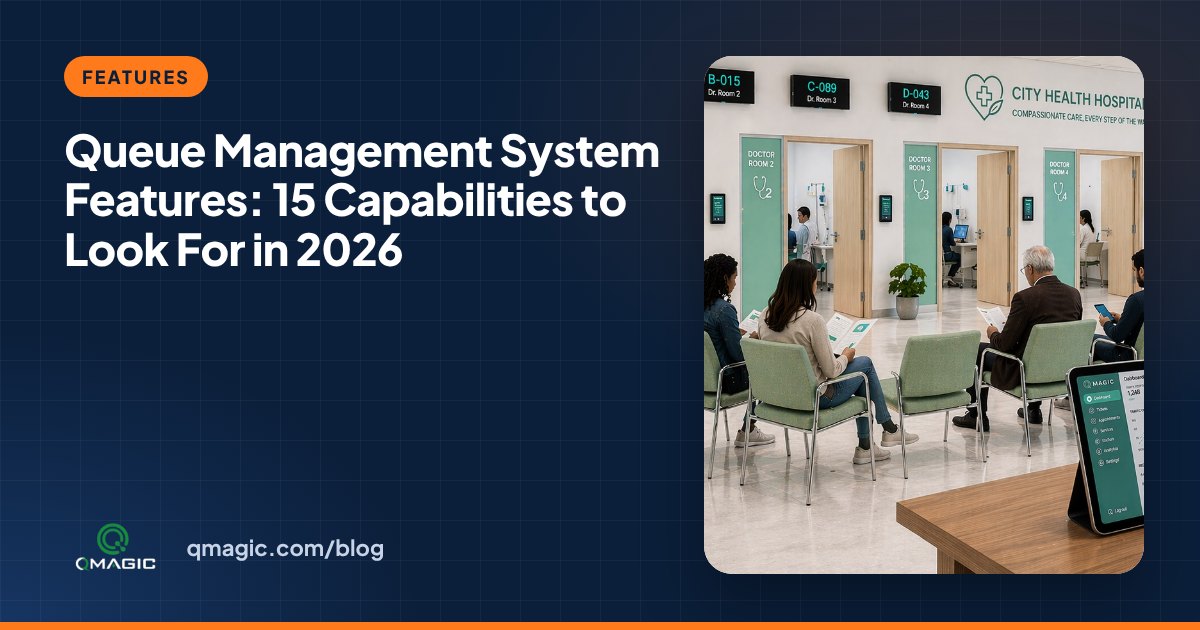
Queue Management System Features: 15 Capabilities to Look For in 2026
The 15 queue management system features that matter most – from ticketing, ID check-in and intelligent routing to virtual queues, dashboards and analytics – and how to judge every one.
12 Benefits of a Queue Management System for Clients, Staff and Managers
The real benefits of a queue management system – shorter waits, calmer waiting rooms, balanced team workload, better data and lower costs – with the numbers to measure each one.
How to Choose a Queue Management System Provider: 10 Questions to Ask
Ten hands-on questions to ask any queue management system provider – manufacturing, software ownership, integrations, security, support and references – before you sign.