

How to serve booked visitors on time without making walk-ins wait forever – hands-on rules for mixing appointments and walk-ins in one queue.
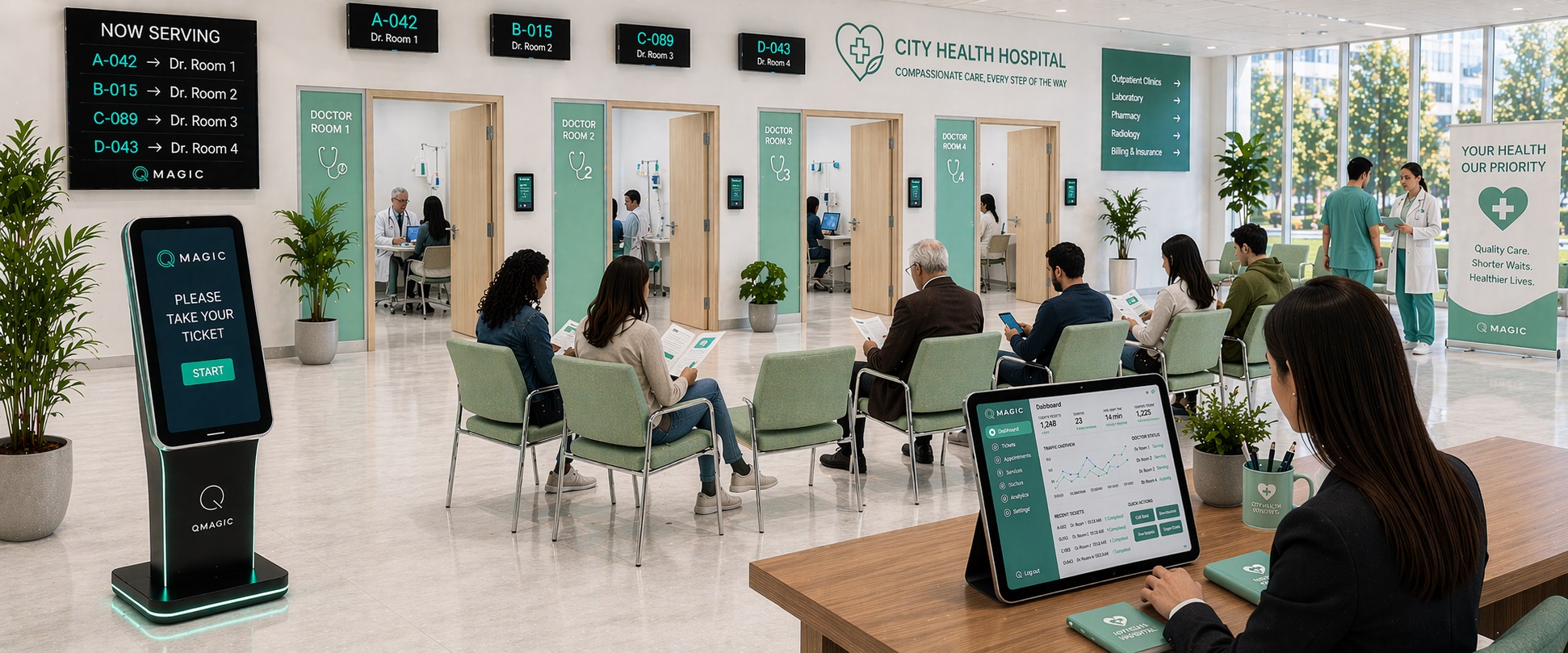
Most service points now see two kinds of visitor: individuals who booked an appointment and individuals who just walk in. Run them as two separate worlds and you get empty counters waiting for late appointments next to a crowded walk-in line. Run them in one queue with clear rules, and both groups are served well.
Why one queue works better than two
With separate lines, team are locked to one group. When appointments run late or don’t show up, those counters sit idle. A single queue lets every qualified counter take the next visitor – booked or not – so capacity is never wasted.
Rule 1: Check in every appointment
Booked visitors should confirm they have arrived, at the kiosk, by QR code or by scanning their booking. Only checked-in appointments enter the live queue. This removes no-shows from the calculation automatically.
Rule 2: Give appointments a time window, not absolute priority
An appointment should be called close to its booked time – e.g. within 5 minutes – not instantly on arrival. A visitor who comes 40 minutes early joins the queue at their slot time; one who is extremely late can be treated as a walk-in. This keeps the system even-handed for everybody in the room.
Rule 3: Reserve capacity, but not too much
Decide what share of every hour is bookable. Numerous medical centres and sites start at 50–70% appointments and leave the rest for walk-ins, after that adjust utilising real data. Look at no-show rates and walk-in peaks in your reports before changing the mix.
Rule 4: Make the rules visible
Walk-in visitors accept that a booked visitor goes first when they can see why. Use a separate ticket series for appointments, show it on the main display and explain it in one line on screen: “Appointments are called at their booked time.”
Rule 5: Let walk-ins wait remotely
When the walk-in wait is long, let individuals leave and come back. With mobile ticketing they follow their place on the phone and receive an SMS when their turn is near. Fewer individuals in the room makes the entire experience calmer for both groups.
In healthcare: one patient journey
In hospitals the same visitor frequently moves through several steps – registration, nurse, doctor, lab, pharmacy. QVista’s multi-step patient flow keeps one ticket through the entire journey, works together with the hospital information system for appointment lookup and calls patients by number to every doctor room.
QVista appointment booking and walk-in queuing run on the same platform, so the rules above are configured once and applied in every branch. Request a demo to see it with your own services.
You may also like

7 Ways to Cut Patient Wait Time in Hospitals
Hands-on steps clinics and hospitals can take to shorten patient wait times, from multi-step patient flow to appointment mixing and live monitoring.
Hastanelerde Hasta Akışı ve Sıra Yönetim Sistemi
Hastane ve kliniklerde hasta bekleme süresini azaltmak için hasta akış sistemi, randevu entegrasyonu ve sıra yönetimi nasıl kullanılmaktadır?

SMS Queue Notifications: When to Send Them and What to Say
A hands-on guide to queue notifications by SMS: the appropriate moments to send them, message templates that work, timing and the mistakes to avoid.