
How hospital and retail pharmacies use ticketing, prescription-ready displays and SMS alerts to cut waiting, separate drop-off from pick-up and protect patient privacy.
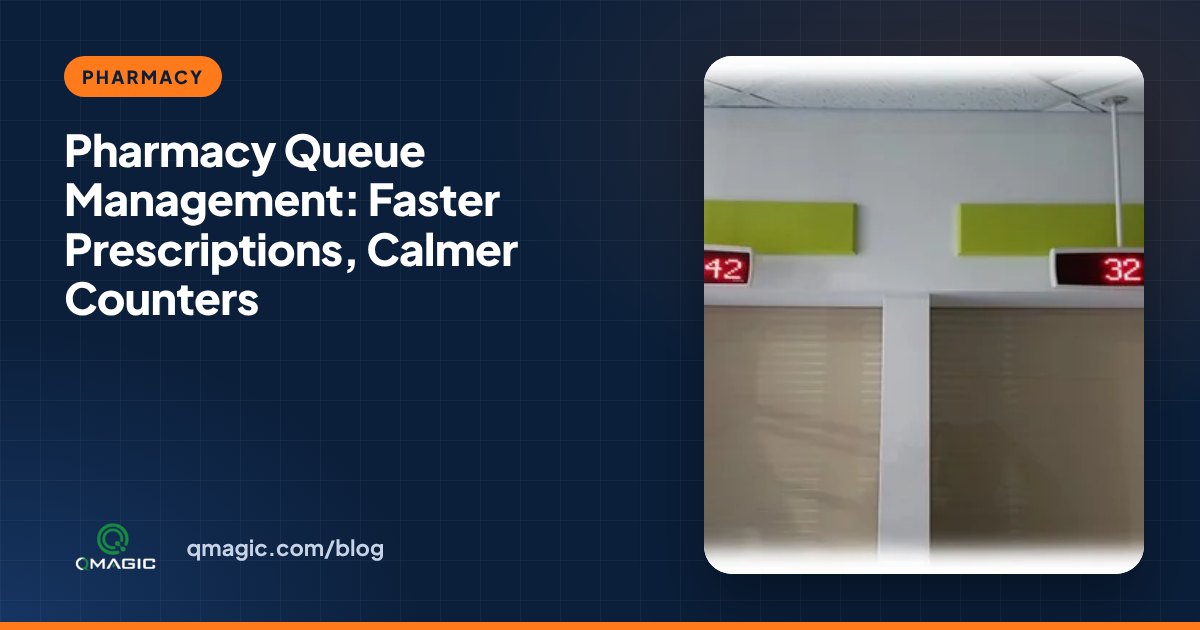
Pharmacies have a queue problem that is different from most service desks. Patients do not just wait to be served – they wait twice: once to hand in a prescription and again while it is prepared. Without a system, both groups stand at the same counter, and nobody knows whose medicine is ready.
Separate drop-off and pick-up
The single most effective change is to split the visit into two services on the ticket kiosk: “Hand in prescription” and “Collect medicine”. Every has its own counters and its own ticket series, so quick collections are not stuck behind complex new prescriptions.
Show when a prescription is ready
Once the prescription is handed in, the patient keeps the same ticket number. When the pharmacist marks it as ready, the number appears on a “ready for collection” list on the main display. Patients can sit down instead of hovering at the counter asking whether their medicine is ready yet.
Notify patients by SMS
For longer preparation times, an SMS notification lets patients leave the waiting zone and come back when the medicine is ready. This is especially useful in hospital pharmacies, where patients often have other appointments in the same building.
Give priority fairly
Elderly patients, patients with disabilities and urgent prescriptions may need priority. Give them their own clearly named ticket service, so the rest of the room can see that a rule is being followed.
Protect patient privacy
Calling patients by number rather than by name keeps medication and diagnoses private. A short spoken announcement and a counter display at each window direct the patient discreetly.
Measure what matters
- Waiting time for drop-off and for collection, separately
- Preparation time from drop-off to “ready”
- Uncollected prescriptions at the end of the day
- High-traffic hours, so team breaks can be planned around them
These figures come straight from the queue system’s reports.
A typical pharmacy setup
- One compact or wall-mount ticket kiosk
- One counter display per window
- One main display showing calls and the ready-for-collection list
- Optional SMS notifications and a feedback device
Whether you run one hospital pharmacy or a chain of retail pharmacies, we can size the system for your counters. Get in touch for a proposal.
Frequently asked questions
Why do pharmacies need a queue system?
Because patients wait twice – to hand in a prescription and while it is prepared. A queue system separates these steps, presents when medicine is ready and lowers crowding at the counter.
Can patients be told by SMS when their prescription is ready?
Yes. With SMS notifications, the patient receives a message when the pharmacist marks the prescription as ready.
Does a small pharmacy need a big system?
No. A compact kiosk, one display per window and one main display are typically enough for a small pharmacy.
You may also like
How Much Does a Queue Management System Cost? 9 Factors That Set the Price
What really drives the price of a queue management system – kiosks, displays, software licences, integrations and support – and how to budget without surprises.
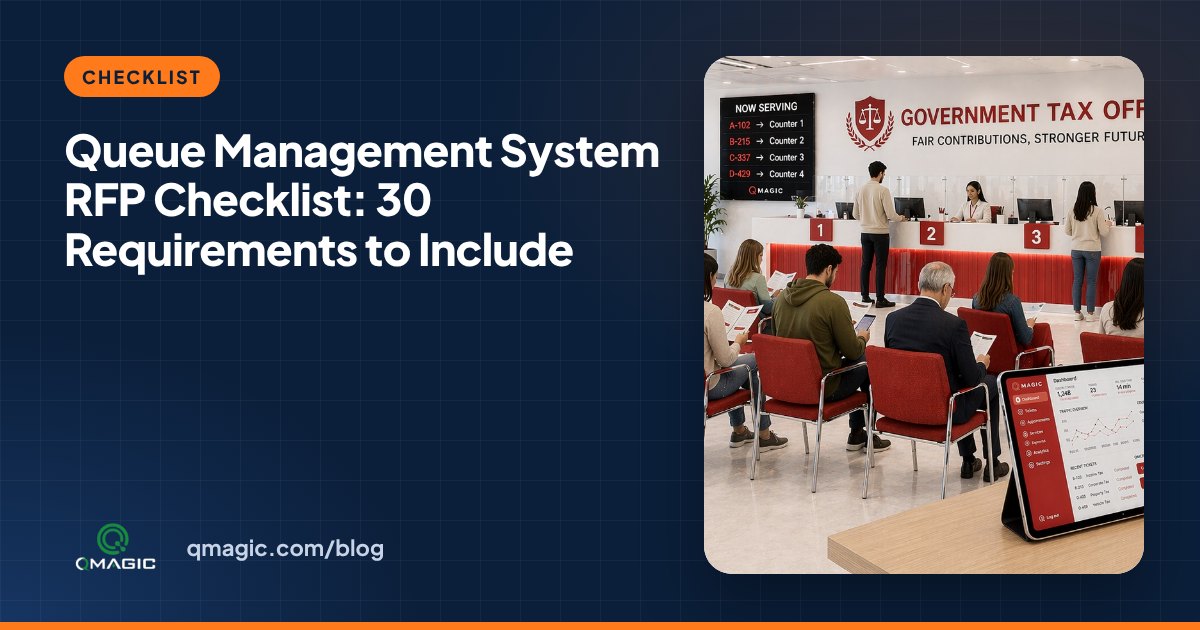
Queue Management System RFP Checklist: 30 Requirements to Include
A ready-to-use checklist of 30 requirements for a queue management system tender or RFP – hardware, software, integrations, security, reporting and support.

Cloud vs On-Premises Queue Management: Which One Fits Your Institution?
Cloud or on-premises? A clear comparison of the two ways to run a queue management system – cost, security, internet dependency, integration and multi-site control.