

What really drives the price of a queue management system – kiosks, displays, software licences, integrations and support – and how to budget without surprises.
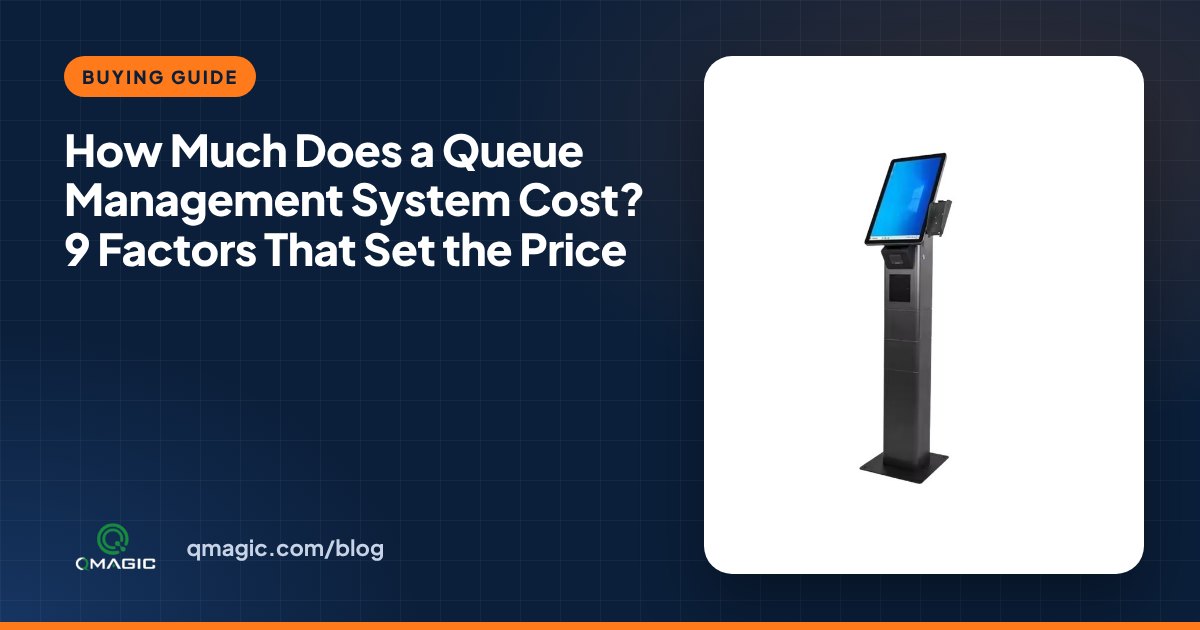
“How much does a queue management system cost?” is typically the first question we hear, and the honest answer is: it depends on what you need it to do. A single-counter pharmacy and a 40-counter government service hall both need a “queue system”, but the two projects have very little in common. This handbook explains the nine factors that set the price, so you can build a realistic budget and compare quotes fairly.
1. Number of sites and counters
The size of the installation is the biggest single driver. Every counter typically needs a counter display and a calling device or software terminal, and every waiting area needs at least one main display. Start your budget by counting sites, waiting areas and counters, and plan for the counters you will open at peak times rather than on an average day.
2. Ticket kiosk type
A ticket kiosk can be a space-saving desktop printer, a wall-mount unit or a floor-standing touch-screen kiosk with ID or QR reading. The more services and languages you offer, the larger the screen you will want. If the kiosk also needs to read an ID card, a barcode or an appointment code, add the reader to the specification from the start. Our guide on how to choose a queue ticket kiosk walks through the options.
3. Display technology
LED counter displays are durable and cost-effective; LCD displays show more information and can run media between calls. Main displays range from straightforward LED number boards to large LCD screens with video, news and announcements. See LED vs LCD queue displays to decide which fits every location.
4. Software licence model
Software is either licensed once per site (frequently with an annual support fee) or billed as a subscription. One-off licences tend to suit public institutions with capital budgets; subscriptions suit businesses that prefer operating expenses and many small sites. Ask every vendor exactly what is included: number of services, counters, users, reports and updates.
5. Cloud or on-premises
An on-premises installation needs a local server or virtual machine; a cloud installation needs reliable internet at every site. Neither is automatically cheaper. Our article on cloud vs on-premises queue management compares the two in detail.
6. Modules beyond the basic queue
Many projects start with ticketing and calling, then add modules: appointments, virtual queue and SMS, customer feedback, digital signage and central analytics. Each adds value and cost, so prioritise them by the problem you are trying to solve.
7. Integrations
Connecting the queue to a hospital information system, a core banking system, an appointment platform or a single sign-on directory is often the most underestimated item. Ask for integration to be quoted separately, with a clear description of the data that will be exchanged.
8. Installation, cabling and training
Mounting displays, running cables, configuring services and training personnel all take time on site. Older buildings may need extra cabling or wireless devices. Good training is worth paying for: a well-configured system that staff do not use correctly will not shorten anyone’s wait.
9. Support, warranty and spare parts
A queue system is a front-line system: when it stops, the waiting room notices immediately. Compare warranty periods, response times, remote support and the availability of spare parts including printer mechanisms and paper rolls.
How to get an accurate quote
- Prepare a straightforward list: sites, waiting areas, counters per site, services and languages.
- Write down the integrations and modules you need now, and the ones you may add later.
- Estimate daily visitors and peak hours – the wait-time calculator supports you size counters.
- Ask each vendor to quote hardware, software, installation and support as separate lines.
With that list in hand, we can prepare a clear, itemised proposal. Get in touch or request a demo to see the system configured for your own services.
Frequently asked questions
What is included in a queue management system?
A typical system comes with a ticket kiosk or printer, counter displays, one or more main displays, calling software or devices for staff, and management software with reports. Appointments, SMS, feedback and digital signage are optional modules.
Is a cloud queue system cheaper than on-premises?
Not automatically. Cloud removes the local server but adds a subscription and needs reliable internet; on-premises needs a server but typically has a one-off licence. Compare the total over three to five years.
Can we begin small and expand later?
Yes. Most organisations begin with one site or one department and add counters, sites and modules once the first installation is running well.
You may also like
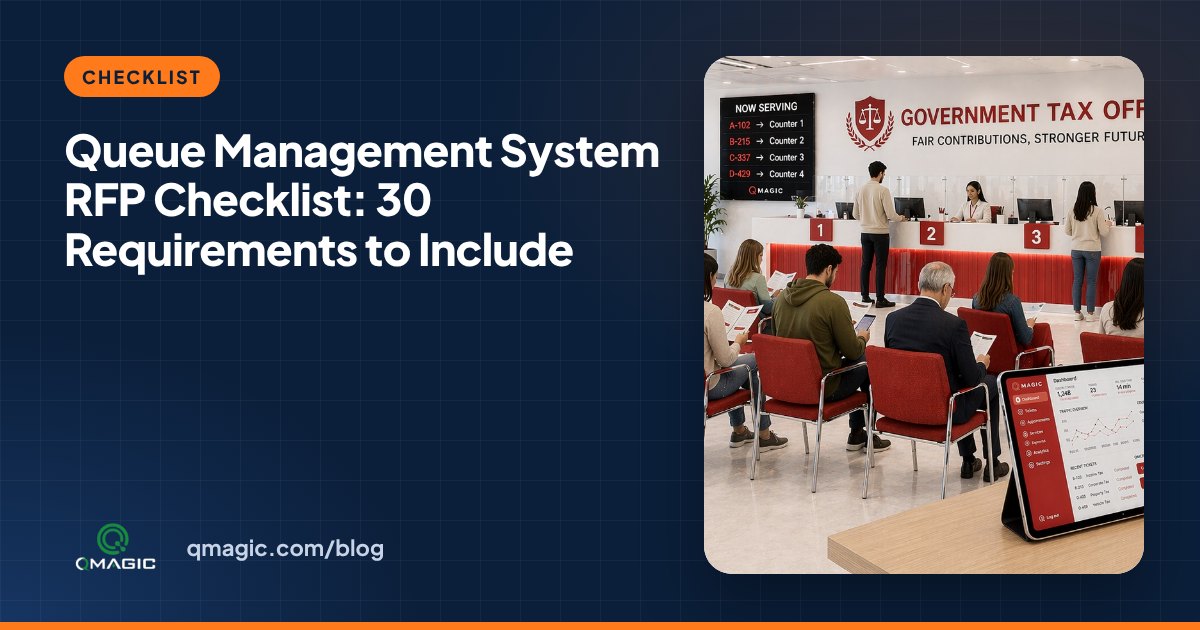
Queue Management System RFP Checklist: 30 Requirements to Include
A ready-to-use checklist of 30 requirements for a queue management system tender or RFP – hardware, software, integrations, security, reporting and support.
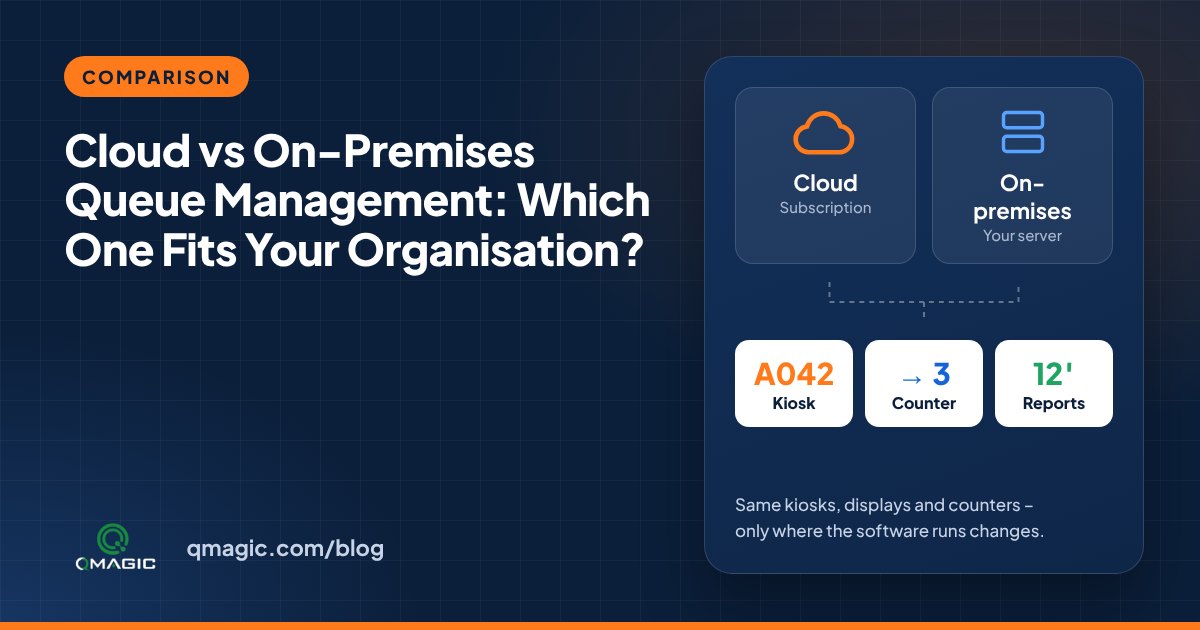
Cloud vs On-Premises Queue Management: Which One Fits Your Institution?
Cloud or on-premises? A clear comparison of the two ways to run a queue management system – cost, security, internet dependency, integration and multi-site control.
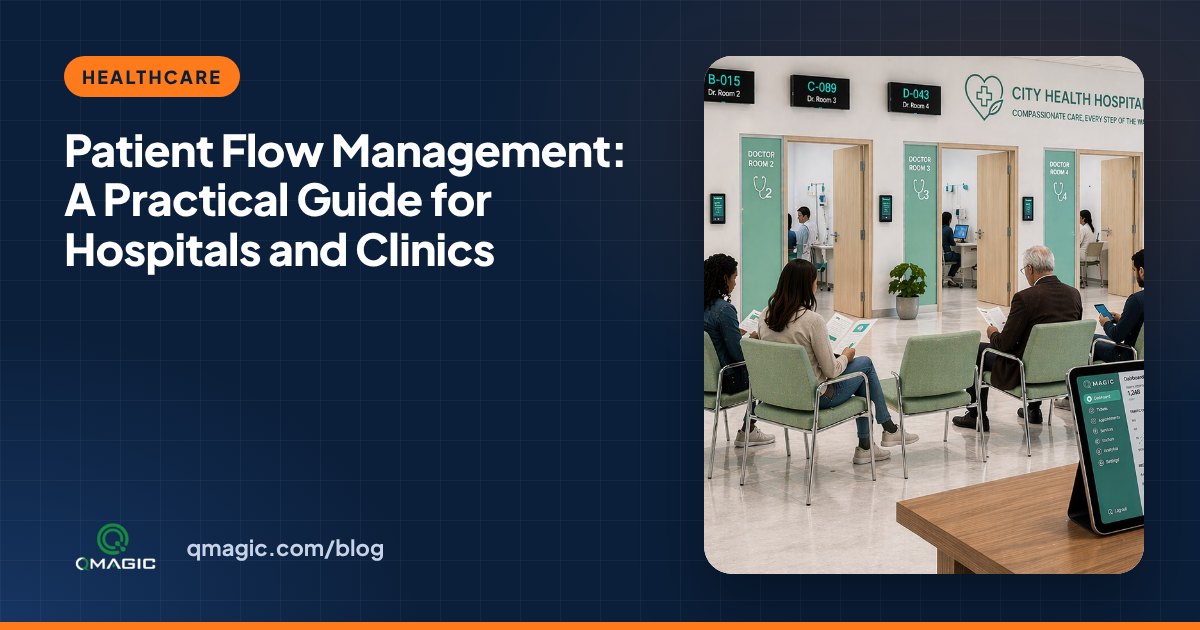
Patient Flow Management: A Hands-on Guide for Hospitals and medical centres
What patient flow management is, where hospitals lose time, and how calling systems, appointments and live dashboards move patients smoothly from registration to discharge.