
The 15 queue management system features that matter most – from ticketing, ID check-in and intelligent routing to virtual queues, dashboards and analytics – and how to judge every one.
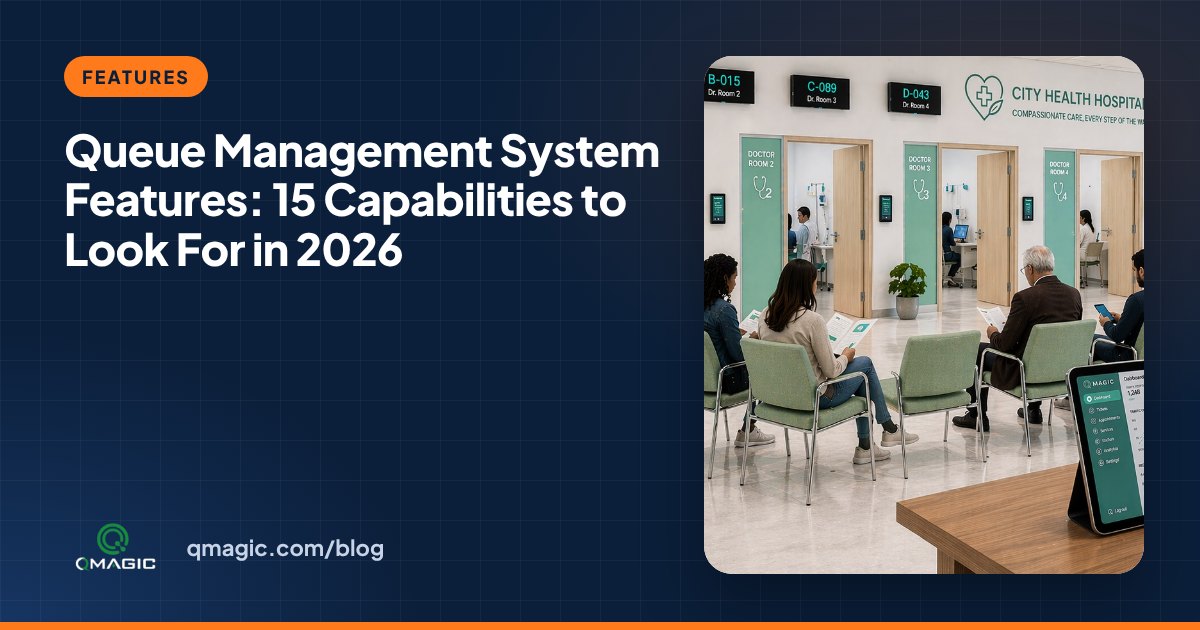
Every queue management system issues tickets and calls numbers. What separates a system that simply organises a line from one that actually shortens waits, balances team workload and gives managers real information is the feature set behind the screen. This guide lists the 15 queue management system capabilities we recommend checking before you buy, grouped by the stage of the visitor journey they support.
Arrival and check-in features
1. Multi-channel ticketing
Visitors should be able to take a ticket in the way that suits them: a printed ticket from a touch-screen kiosk, a QR code scanned with their phone, an SMS or a web link. A contemporary system treats all of these as the same queue, so a mobile ticket and a paper ticket are called in the correct order.
2. Customer identification
Identifying the visitor at check-in removes questions at the counter and allows personal service. Look for support for national ID cards, passports, barcodes, QR appointment codes and mobile numbers. Our article on ID card check-in at the kiosk explains how this works in practice.
3. Appointment check-in
Booked visitors should be able to confirm their arrival at the kiosk and join the queue with their appointment priority. The system must mix walk-ins and appointments in one queue without either group feeling ignored.
4. Multilingual interface
Kiosk screens, tickets, displays and spoken announcement should switch language on demand. In the Gulf, Europe and tourist areas, two or three languages are normal; in visa centres and airports, ten or more is common.
Routing and prioritisation features
5. Intelligent routing
Each service should be linked to the counters and staff skills that can handle it. When a visitor selects “new account” or “radiology”, the system should send them to the right queue automatically – and to the next step afterwards in multi-stage journeys like patient flow.
6. Priority rules
Elderly service users, individuals with disabilities, VIP customers and urgent cases need clear, configurable priority rules. Good systems let you set priority by service, customer segment, appointment or waiting time, so nobody waits indefinitely behind a stream of priority tickets.
7. Transfer and recall
Personnel must be able to transfer a visitor to another service or counter without issuing a new ticket, recall a visitor who did not hear the first call, and park a ticket while documents are being fetched. These small functions save minutes on every complicated case.
Waiting-area highlights
8. Clear calling on displays and audio
Calls should appear on a main display and the counter display at the same moment, supported by a chime and an audio announcement. See LED vs LCD queue displays to choose the right screens.
9. Virtual queue and notifications
A virtual queue lets visitors wait in a café or in their car and receive an SMS or web notification when their turn is near. It cuts crowding and is often the cheapest way to add capacity. Read our SMS notifications guide for timing tips.
10. Estimated waiting time
Showing a realistic estimated wait on the ticket and on screens lowers anxiety and complaints. The estimate should be based on live service times, not a fixed average.
11. Digital signage
Between calls, the same displays can show announcements, forms to prepare, health campaigns or product gives you through digital signage. This turns waiting time into useful time.
Service and staff highlights
12. Effortless team terminal
Whether team use a hardware keypad, a software panel on their PC or a tablet, calling the next visitor must take one click. Staff should also see how many individuals are waiting for their services and how long the oldest ticket has waited.
13. Customer feedback
A short rating at the counter or by SMS after the visit links satisfaction to a specific service, counter and time. Our article on customer feedback at the counter presents how to keep response rates high.
Management and analytics features
14. Live dashboard and alerts
Branch managers need a live view of every queue, counter and personnel member, with alerts when waiting time or queue length crosses a threshold. Multi-site businesses need the same view for all branches at once, so they can move personnel before a queue gets out of hand.
15. Reports, analytics and integrations
Detailed reports on waiting time, service time, no-shows and peak hours are what make a queue system pay for itself. Check that the analytics can be exported or scheduled by e-mail, and that the system provides APIs for your hospital information system, core banking, CRM or appointment platform. The queue management KPIs handbook lists the numbers worth tracking.
How to use this list
Not every institution needs all 15 capabilities on day one. A pharmacy may start with ticketing, calling and a single display; a ministry service hall may need ID check-in, appointments, multilingual kiosks and central reporting from the begin. Mark each feature as “must have”, “next year” or “not needed”, then ask suppliers to show – not just tell – how they deliver the first group. Our RFP checklist turns this list into tender language.
QVISTA designs its own queue management software, kiosks and displays, so every feature above works together out of the box. Request a demo and we will configure it with your own services.
Frequently asked questions
What are the key capabilities of a queue management system?
The core capabilities are multi-channel ticketing, smart routing to the right counter, clear calling on displays with audio, a personnel calling terminal, and reports on waiting and service times. Larger institutions add ID check-in, appointments, virtual queues, feedback, a multi-site dashboard and integrations.
What is a smart queue management system?
A smart queue management system uses rules and live data to route service users, set priorities, estimate waiting times and alert managers. It goes beyond issuing numbers by actively balancing queues and team.
Does a queue system need a kiosk?
Not always. Small sites can use QR codes or a desktop ticket printer. Kiosks are recommended where visitors choose between several services, need ID check-in, or where many visitors do not use smartphones.
You may also like
12 Benefits of a Queue Management System for Clients, Staff and Managers
The real benefits of a queue management system – shorter waits, calmer waiting rooms, balanced team workload, better data and lower costs – with the numbers to measure each one.
Types of Queue Management Systems: Linear, Ticket-Based, Virtual, Appointment and Hybrid
The main types of queue management systems compared – linear and structured queues, ticket kiosks, virtual and mobile queues, appointment systems and hybrid solutions – with where each one fits best.
How to Choose a Queue Management System Provider: 10 Questions to Ask
Ten hands-on questions to ask any queue management system provider – manufacturing, software ownership, integrations, security, support and references – before you sign.